Disclosure: we make Capturo, a Mac recorder and screenshot app, and it appears as a third column for comparison.
The 20-second verdict
Loom5/10 rows
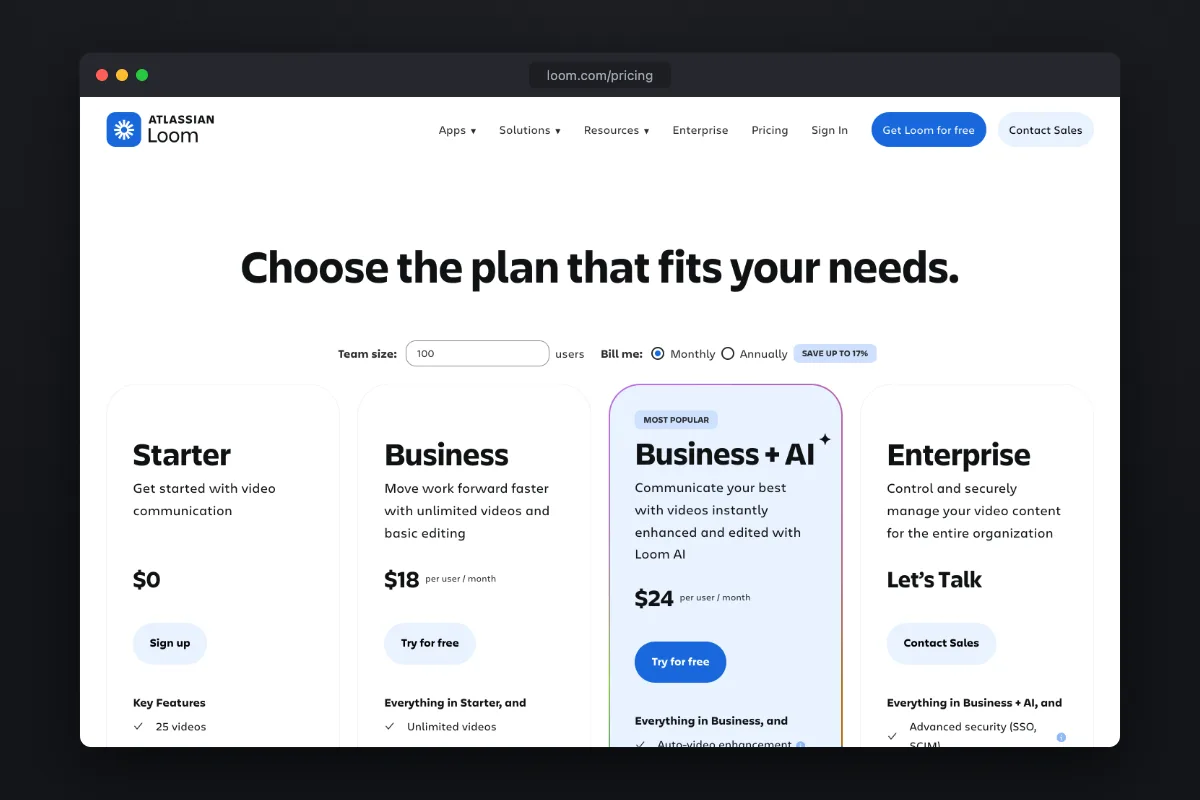
Free; Business $18/user/mo
Choose it if you send quick video messages to a team and want a link, comments and views.
Camtasia4/10 rows
Essentials $179.88/yr
Choose it if you produce tutorials or courses that need real editing.
Capturo4/10 rows
$19.99 once
Choose it if you want short, polished clips saved on your Mac with no subscription.
| Loom | Camtasia | Capturo | |
|---|---|---|---|
| Built for | Async video messages | Edited tutorials and courses | Short clips and screenshots |
| Free plan | ✓ 25 videos, 5 min each, 720p | Editor exports watermarked | Screenshots watermarked, no recording |
| Paid price | $18/user/mo (Business) | $179.88/yr (Essentials) | ✓ $19.99 once |
| Cost after 3 years | $648 (Business, monthly) | $539.64 (Essentials) | ✓ $19.99 |
| Share link, comments, viewer insights | ✓ Built in | Screencast, 25 videos | No: you send the file |
| Video editing | Trim; more on Business + AI | ✓ Multitrack timeline | None: composed while recording |
| Max recording quality | ✓ 4K on paid desktop plans | ✓ 4K, 60 fps | Your screen, MP4 at 60 fps |
| Platforms | ✓ Mac, Windows, iOS, Android, Chrome | Mac and Windows | Mac only |
| AI features | ✓ Summaries, filler removal, chapters | ✓ AI scripts and voiceover (Create) | None |
| Files stay on your computer | No: cloud first | ✓ Local projects | ✓ Local MP4 and PNG |
| Account required | Yes | Yes | ✓ No |
"Built for" is context, not a contest. Prices from loom.com/pricing (checked October 21, 2026) and TechSmith's US store (October 2026). Loom's annual billing saves "up to 17%".
The short answer
If your video is a message ("here is the bug", "here is my feedback on the design"), use Loom: the link is ready the moment you stop, your teammate can comment at a timestamp and you can see who watched. If your video is a product (a course lesson, a polished tutorial, a training module), use Camtasia: you will spend more time editing than recording, and that is exactly what it is built for.
Where Loom wins
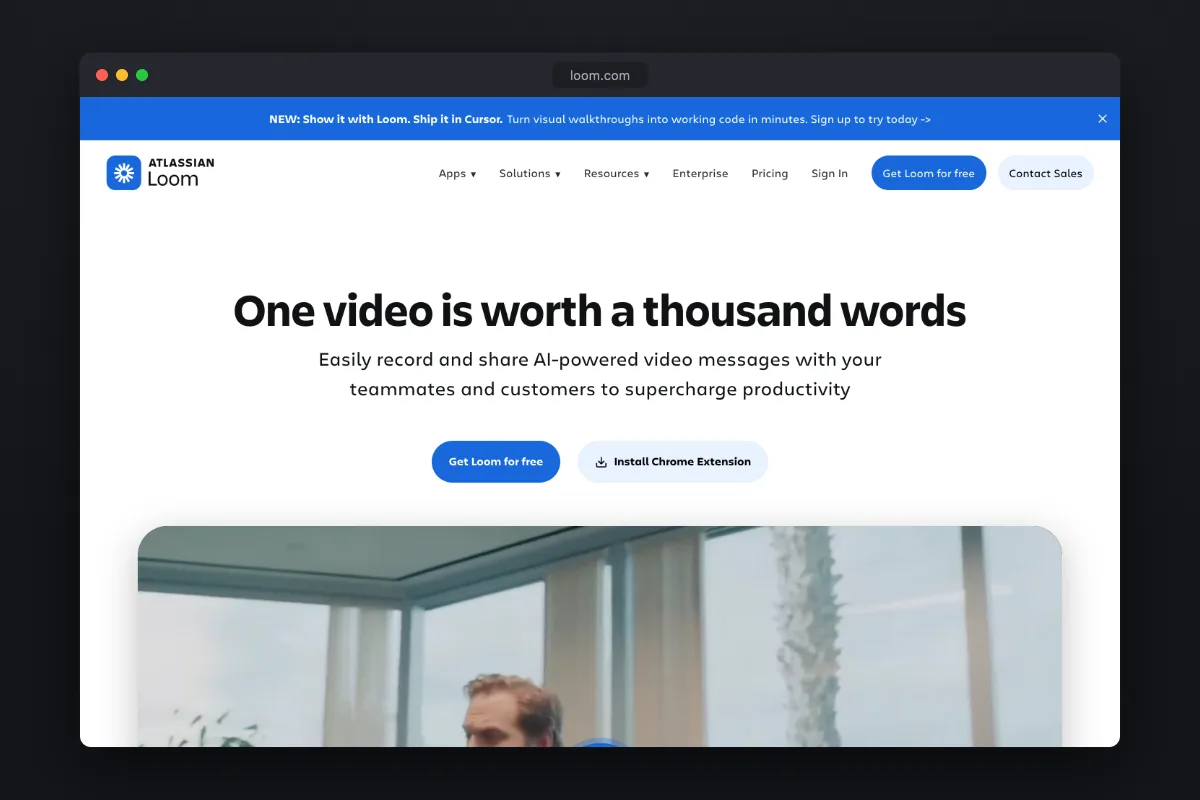
Getting a video to someone fast. Loom's whole design is the link: record screen and camera, stop, and the URL is on your clipboard with a transcript, comments and viewer insights. The free Starter plan allows 25 videos of up to 5 minutes at 720p. In October 2026 Atlassian rebuilt the Mac app (it now needs macOS 15), added 4K recording on paid plans, a teleprompter and "Record for agents", which turns a recording into steps for Jira or AI agents. Business + AI ($24/user/mo) adds automatic titles, summaries, chapters and filler-word removal.
Where Camtasia wins
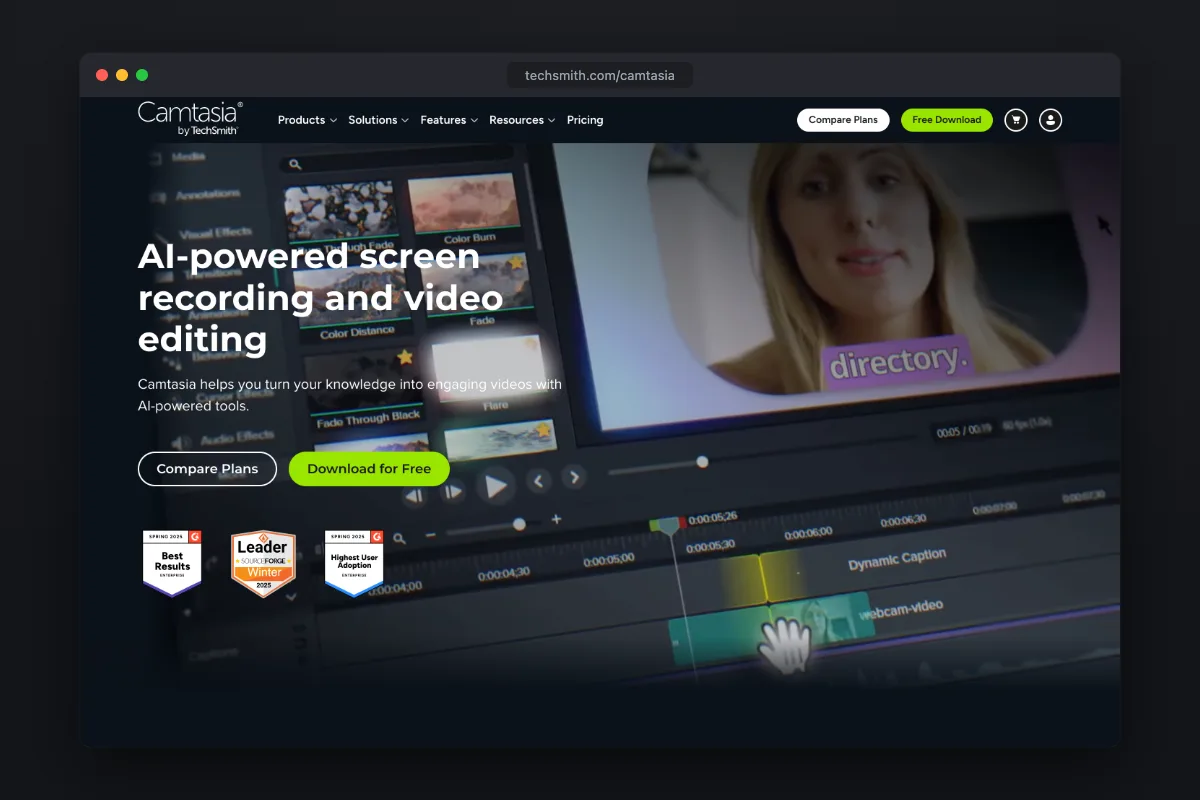
Making the video good. Camtasia records screen, camera, mic and system audio on separate tracks and drops them into a full timeline: cut mistakes, zoom into the important part, add callouts, captions, quizzes for e-learning, and on the Create plan AI voiceover. The files are yours and stay on your machine. The trade-off is time and price: the editor that exports without a watermark starts at $179.88 a year, and Snagit comes bundled. More in Camtasia alternatives and Camtasia vs Snagit.
Where neither fits
A common case sits between the two: you want short recordings that already look good (a feature demo for a changelog, a clip for a pull request or a tweet), you do not want them hosted on someone else's cloud, and you do not want to edit. Loom gives you a plain recording on a link; Camtasia makes you edit to get the polish.
Capturo for Mac: polished clips with no editing step
- Record the screen or an area (⇧⌘9) with system audio, composed live over a gradient background, then turn short clips into a GIF (up to 45 s)
- Optional optional webcam bubble, microphone (macOS 15+) and auto-zoom on clicks (beta)
- Screenshots (⇧⌘2) with arrows, text and pixelated blur, plus your branding on every export
- $19.99 once for 2 Macs, files stay local, no account
Capturo does not make share links or edit on a timeline, so it does not replace Loom for team messaging or Camtasia for courses. Without a license, screenshots work but exports carry a small watermark and screen recording stays locked. There is no trial. The full Mac field is in best screen recorder for Mac and Loom alternatives.