Disclosure: we make Capturo, a Mac recorder with live gradient backgrounds and auto-zoom in beta. It is the third column.
The 20-second verdict
Screen Studio5/11 rows
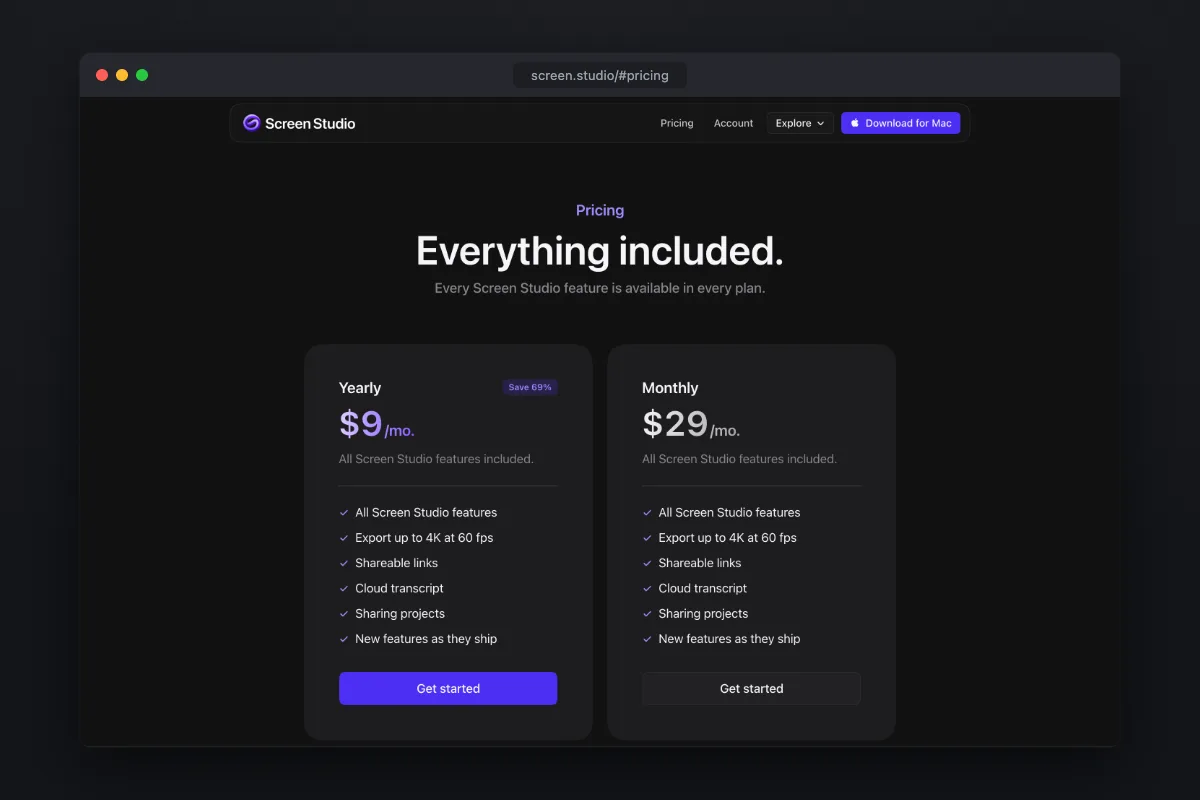
$9/mo yearly, $29 monthly
Choose it if you make product demos and launch videos where looks matter.
Loom5/11 rows
Free; $18/user/mo
Choose it if you send many quick videos to a team and need comments and views.
Capturo5/11 rows
$19.99 once
Choose it if you want styled short clips on a Mac without a subscription.
| Screen Studio | Loom | Capturo | |
|---|---|---|---|
| Free plan | No | ✓ 25 videos, 5 min, 720p | Screenshots watermarked, no recording |
| Entry price | $9/mo billed yearly; $29 monthly | $18/user/mo | ✓ $19.99 once |
| Cost after 3 years | $324 (yearly) | $648 (Business, monthly) | ✓ $19.99 |
| Automatic zoom and cursor effects | ✓ Auto zoom, smoothing, motion blur | No | ✓ Auto-zoom on clicks (beta) |
| Editing | ✓ Timeline, edit by transcript (v4) | Trim; AI cleanup on Business + AI | None: composed while recording |
| Export quality | ✓ Up to 4K, 60 fps, GIF | ✓ Up to 4K on paid plans | MP4 at 60 fps, GIF from clips |
| Share by link | ✓ Up to 30 min, comments, views | ✓ Comments, reactions, viewer insights | No: you send the file |
| Team tools, AI summaries | No | ✓ Jira, Confluence, AI chapters | No |
| Platforms | Mac only | ✓ Mac, Windows, mobile, Chrome | Mac only |
| Projects stay on your Mac | ✓ Local, optional cloud | No: cloud first | ✓ Local files |
| Account required | Yes | Yes | ✓ No |
Screen Studio from screen.studio and its 4.0 changelog (October 1, 2026); Loom from loom.com/pricing, checked October 21, 2026. Screen Studio no longer sells lifetime licenses to new customers.
The short answer
Screen Studio if the video is something you will put on a landing page, a launch post or a sales deck: it zooms into what you click, smooths the cursor and makes a 2-minute demo look produced. Loom if the video is a message to coworkers: speed and the conversation around it matter more than polish.
Where Screen Studio wins
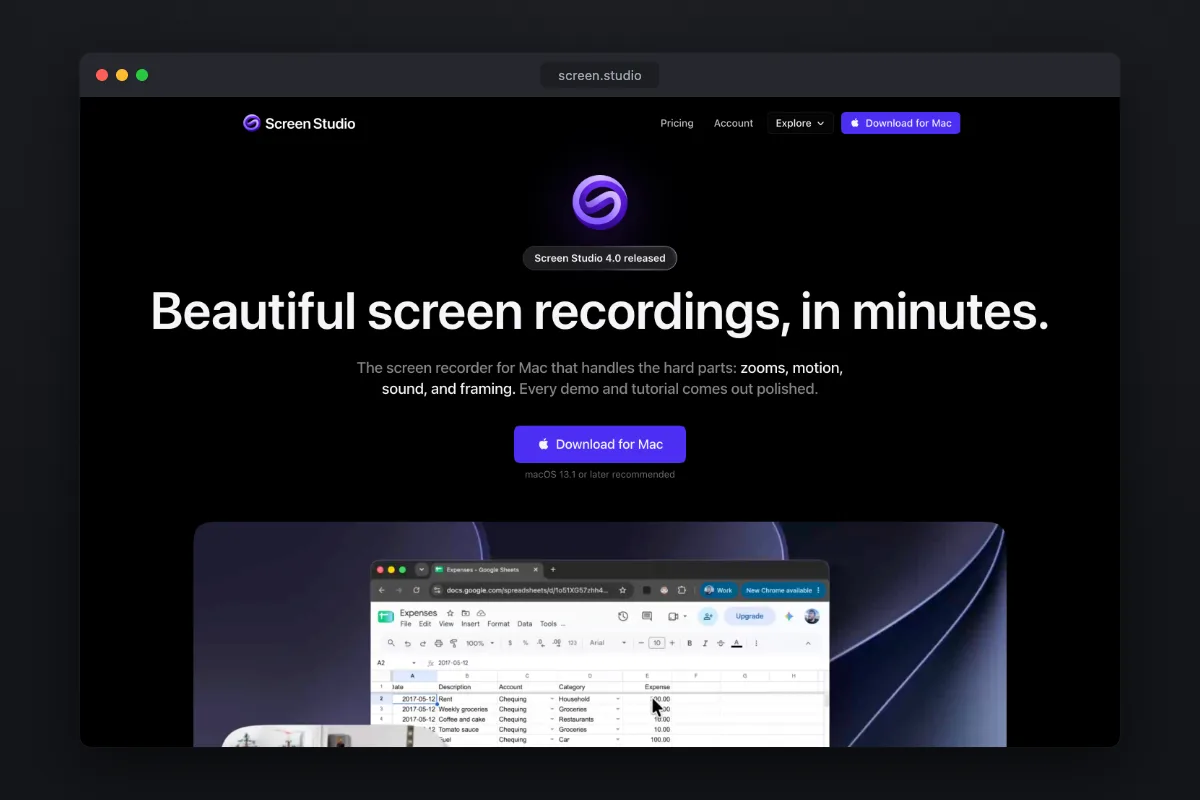
The look. Automatic zoom on clicks, cursor smoothing, click effects and motion blur turn an ordinary recording into a demo without manual keyframes. Version 4.0 (October 2026) added editing by transcript with filler-word and pause removal, a camera cutout, face tracking, split screen and color grading. It records iPhone and iPad screens over USB, exports up to 4K at 60 fps or as GIF, and shares links up to 30 minutes with comments and a view counter. It is Mac only and costs $9 a month on yearly billing or $29 monthly. Cheaper options are in Screen Studio alternatives.
Where Loom wins
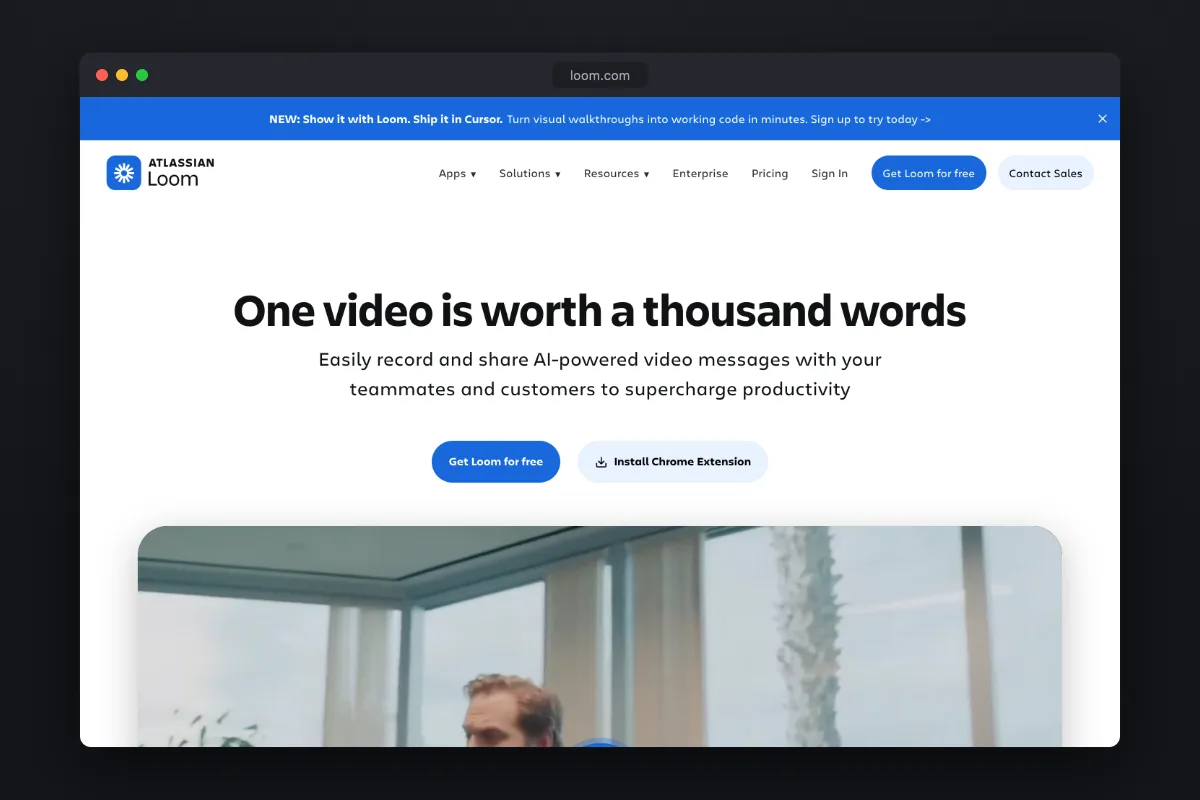
Everyday communication. A free plan to start, every platform including phones and a Chrome extension, a link ready the moment you stop, and the team features of Atlassian: Jira and Confluence integration, AI summaries and chapters on Business + AI, and a new Mac app (macOS 15+) with 4K and a teleprompter. For the tenth video of the day, Loom wins on effort every time. Compare with Tella vs Loom if you want something in between.
Styled clips without a subscription
If what you like about Screen Studio is the finished look, but your clips are short and you would rather not pay every year, Capturo takes a simpler route: the gradient background, rounded corners and optional webcam bubble are composed while you record, so the file is done when you stop.
Capturo for Mac: demo-ready clips, no editing pass
- Record the screen or an area (⇧⌘9) with system audio, composed live over a gradient background, then turn short clips into a GIF (up to 45 s)
- Optional optional webcam bubble, microphone (macOS 15+) and auto-zoom on clicks (beta)
- Annotated screenshots with your branding
- $19.99 once for 2 Macs, files stay local, no account
Capturo has no timeline, no transcript editing and no share links, so for long or carefully edited demos Screen Studio is still the better tool. Without a license, screenshots work but exports carry a small watermark and screen recording stays locked. There is no trial. See the full field in best screen recorder for Mac.