Disclosure: we make Capturo, a Mac recorder that composes clips on a background while you record. It is in the table as a third option.
The 20-second verdict
Tella4/11 rows
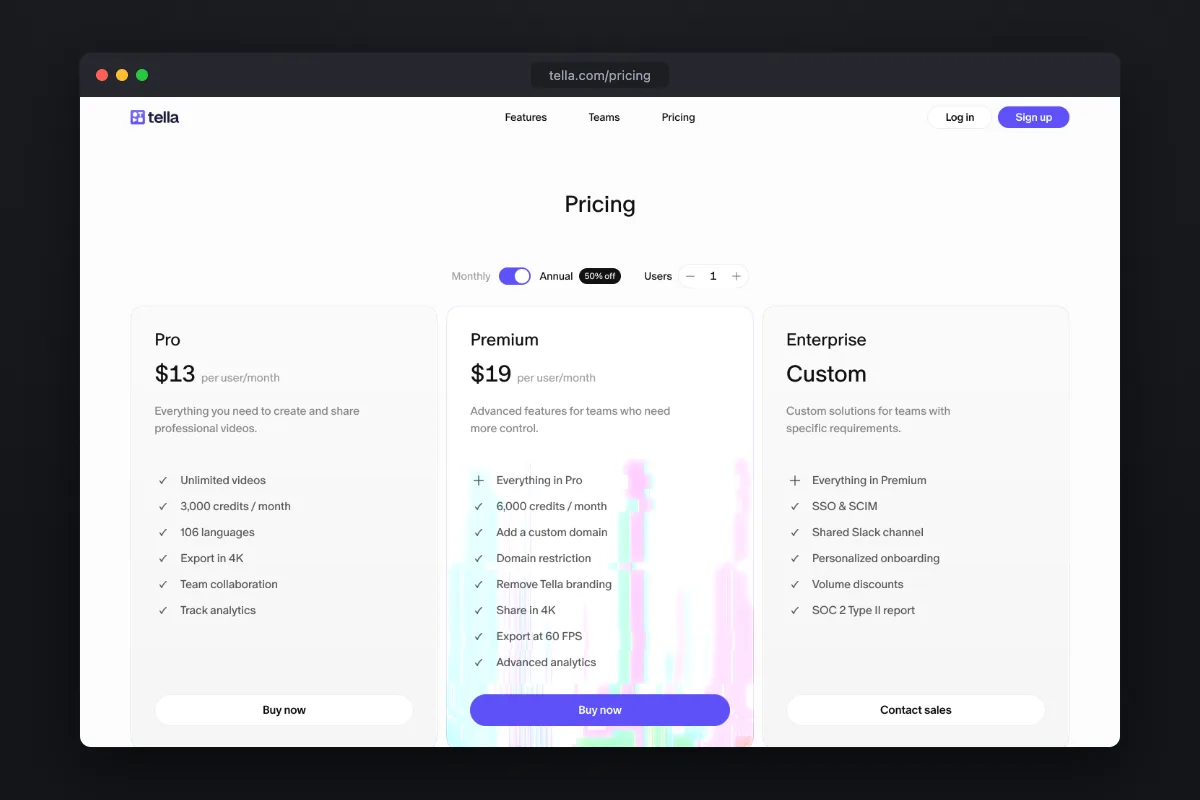
$13/mo yearly, $26 monthly
Choose it if you make product demos and launch videos that need to look designed.
Loom4/11 rows
Free; $18/user/mo
Choose it if you send quick updates and feedback to a team, many times a day.
Capturo5/11 rows
$19.99 once
Choose it if you want polished short clips on a Mac, kept as local files, without a subscription.
| Tella | Loom | Capturo | |
|---|---|---|---|
| Free plan | No; 7-day trial | ✓ 25 videos, 5 min, 720p | Screenshots watermarked, no recording |
| Entry price | $13/mo yearly, $26 monthly | $18/user/mo | ✓ $19.99 once |
| Cost after 3 years | $468 (Pro, yearly) | $648 (Business, monthly) | ✓ $19.99 |
| Editing | ✓ Trim, split, zooms, captions in the browser | Trim; AI cleanup on Business + AI | None: composed while recording |
| Looks polished out of the box | ✓ Backgrounds, layouts, auto zoom | Plain screen plus camera bubble | ✓ Live gradient, rounded corners |
| Share link and analytics | ✓ Link, embed, viewer analytics | ✓ Link, comments, viewer insights | No: you send the file |
| Team tools and integrations | Custom domain on Premium | ✓ Jira, Confluence, Slack | No |
| Mobile apps | No | ✓ iOS and Android | No |
| Long recordings | ✓ Clips up to 6 hours | Free plan: 5 minutes | No plan tiers |
| Files stay on your computer | No: cloud first | No: cloud first | ✓ Local MP4 and PNG |
| Account required | Yes | Yes | ✓ No |
Prices from tella.tv/pricing, Tella's billing help page and loom.com/pricing, checked October 21, 2026.
The short answer
Loom is for volume: dozens of short videos a week to colleagues who need to see something now. Tella is for craft: fewer videos that represent your product, where a clean background, a zoom on the right button and captions matter. If you are a founder recording a launch demo, Tella. If you are a manager answering questions with video, Loom.
Where Tella wins
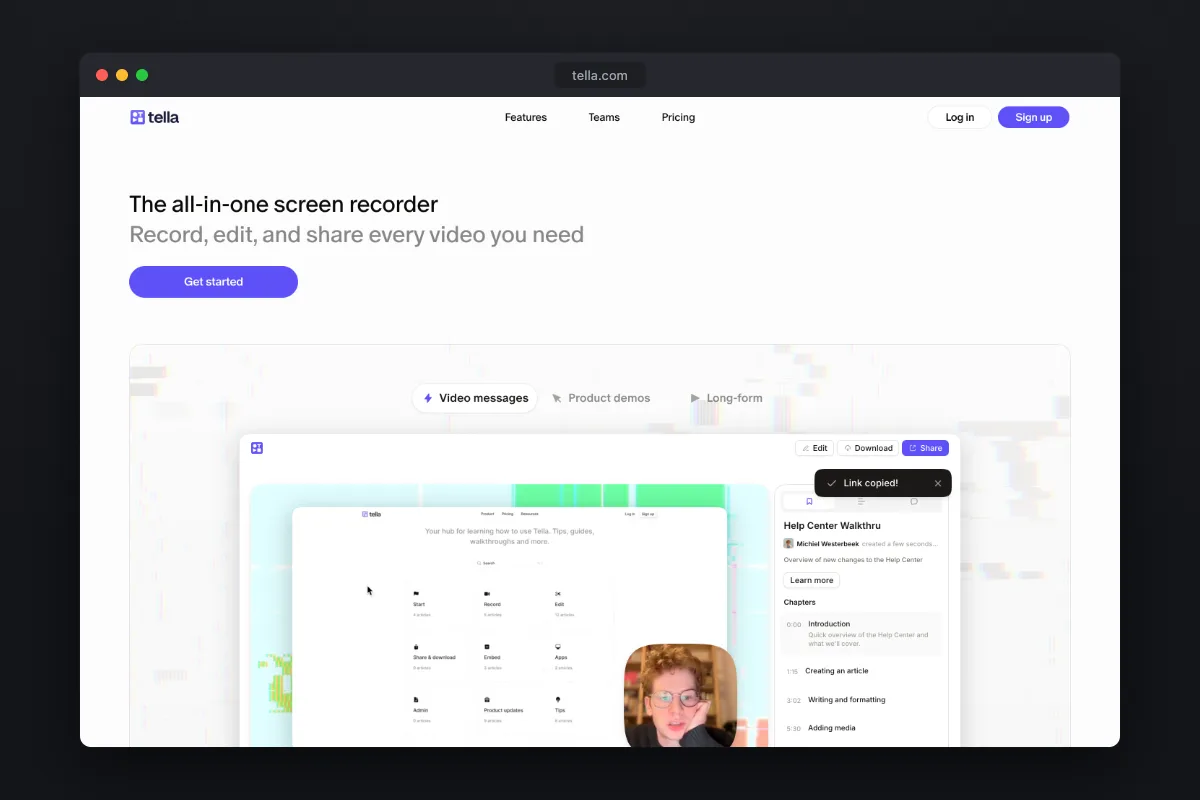
Making it look good. Tella records with native Mac and Windows apps or a Chrome extension and opens the result in a browser editor: trim and split clips, switch layouts between screen and camera, add backgrounds, automatic zooms and captions, then share a link with analytics or export MP4 and GIF. Pro exports in 4K; Premium adds 60 fps without limits, custom domains and per-viewer analytics. Clips can run up to 6 hours. There is no free plan, only a 7-day trial.
Where Loom wins
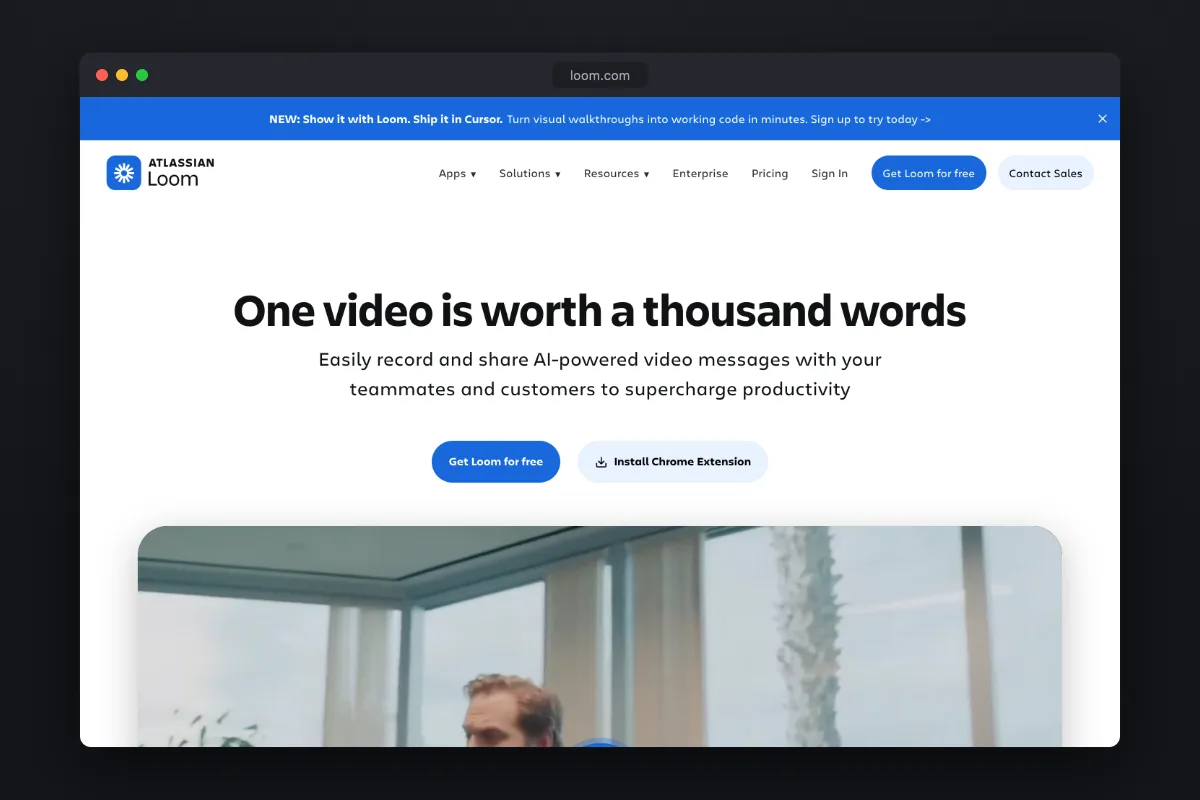
Speed and the team around the video. Loom's free plan lets you start without paying, the link is ready the instant you stop, and teammates comment at timestamps. As part of Atlassian it plugs into Jira and Confluence, has mobile apps, and since October 2026 a rebuilt Mac app (macOS 15+) with 4K recording on paid plans and a teleprompter. For high-volume async communication it has no real rival. See Loom alternatives for the rest of the market.
Polish without the cloud subscription
If what draws you to Tella is the look (a recording that sits on a nice background with rounded corners) and your videos are short, you can get that on a Mac without a monthly plan, by composing the background while you record instead of in an editor afterwards.
Capturo for Mac: the backdrop is there while you record
- Record the screen or an area (⇧⌘9) with system audio, composed live over a gradient background, then turn short clips into a GIF (up to 45 s)
- Optional optional webcam bubble, microphone (macOS 15+) and auto-zoom on clicks (beta)
- Your logo or name on every export, plus annotated screenshots
- $19.99 once for 2 Macs, files stay local, no account
Capturo has no share links, analytics or browser editor, so it does not replace either for teams. Without a license, screenshots work but exports carry a small watermark and screen recording stays locked. There is no trial. For more polished-demo tools, see Screen Studio alternatives.