Disclosure: we make Capturo, a Mac app that does annotated screenshots and short recordings. It is the third column.
The 20-second verdict
Snagit6/12 rows
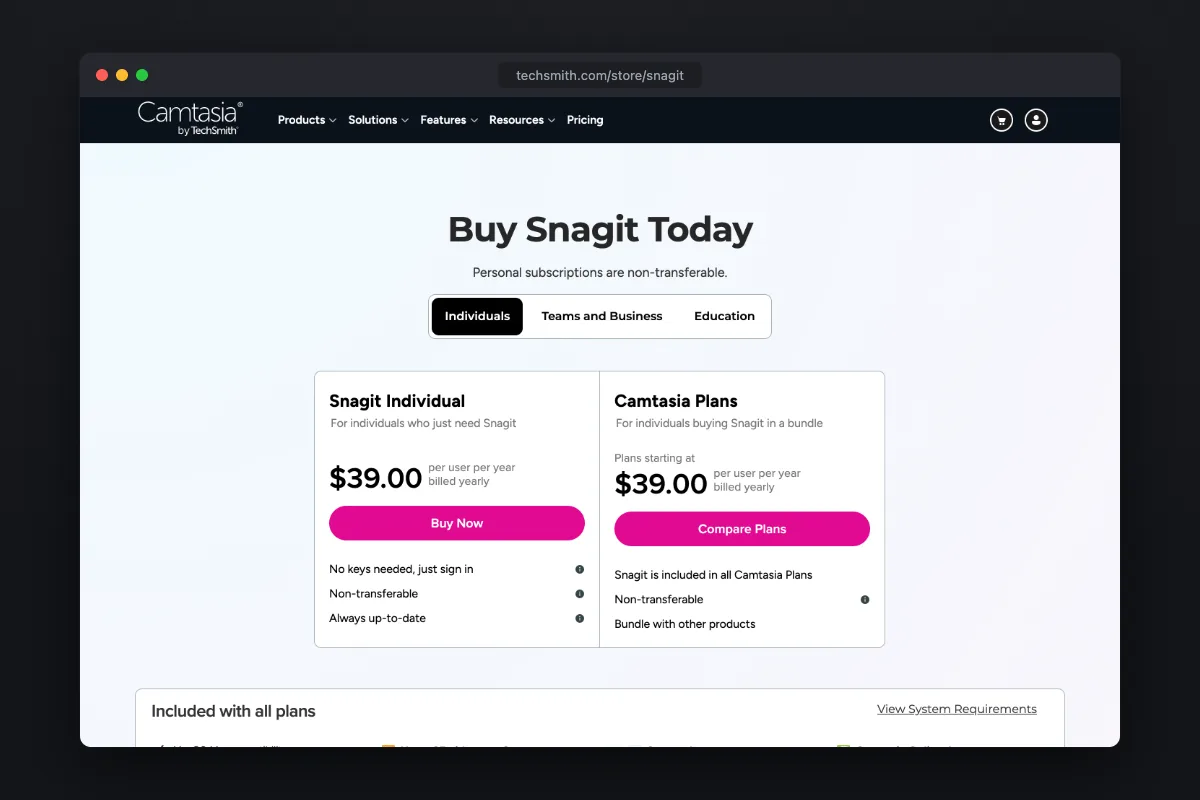
$39/yr
Choose it if you write documentation, support replies or step-by-step guides.
Loom5/12 rows
Free; $18/user/mo
Choose it if you explain things on video and want a link with comments and views.
Capturo7/12 rows
$19.99 once
Choose it if you need both screenshots and short clips on a Mac without a subscription.
| Snagit | Loom | Capturo | |
|---|---|---|---|
| Built for | Screenshots and written guides | Video messages | Screenshots and short clips |
| Free plan | Trial only | ✓ 25 videos, 5 min, 720p | Screenshots watermarked, no recording |
| Price | $39 per year | $18/user/mo (Business) | ✓ $19.99 once |
| Cost after 3 years | $117 | $648 (monthly) | ✓ $19.99 |
| Annotated screenshots | ✓ Full editor, stamps, templates | Basic screenshots | ✓ Arrows, text, pixelated blur |
| Scrolling capture, OCR, step markers | ✓ All three | No | No |
| Video recording | ✓ Screen, mic, system audio, webcam | ✓ Up to 4K on paid plans | ✓ System audio, webcam bubble, gradient |
| Share by link | ✓ One click to Screencast | ✓ Link, comments, reactions | No: you send the file |
| Viewer insights and AI summaries | No | ✓ Yes | No |
| Platforms | ✓ Mac and Windows | ✓ Mac, Windows, mobile, Chrome | Mac only |
| Files stay on your computer | ✓ Yes | No: cloud first | ✓ Yes |
| Account required | Yes | Yes | ✓ No |
| Oldest macOS supported | macOS 15 | macOS 15 (new app) | ✓ macOS 14 |
"Built for" is context. Snagit from TechSmith's store and system requirements (October 2026); Loom from loom.com/pricing and Atlassian's October 7, 2026 announcement.
The short answer
If people will follow your instructions (a help article, an internal how-to, a bug report with steps), use Snagit: numbered screenshots are faster to scan than a video, easy to update and searchable. If people need to see you explain something (a walkthrough, design feedback, a quick update), use Loom. Teams often use both, and the overlap (Snagit records video, Loom takes screenshots) is real but thin.
Where Snagit wins
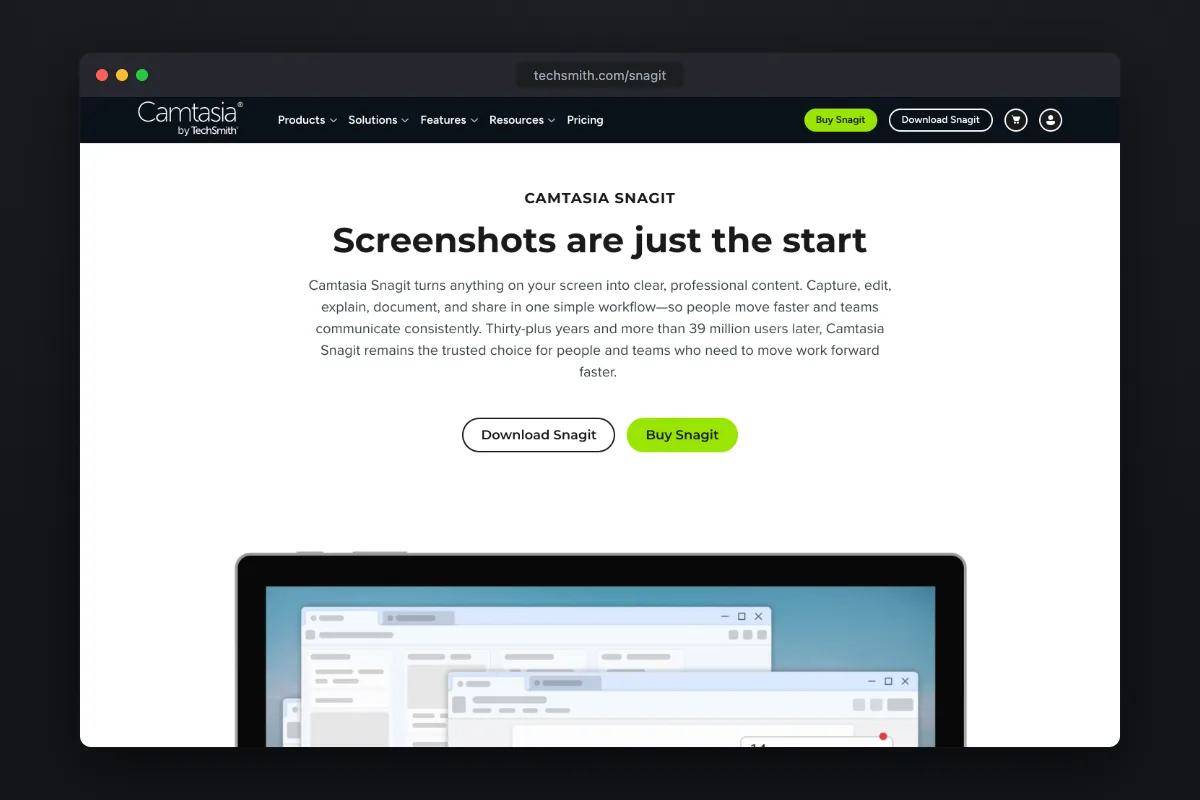
Documentation. Scrolling capture for long pages, Grab Text to copy words out of an image, Smart Redact to hide private data, step markers that number themselves, templates that turn several captures into one guide, and editing text inside a screenshot without recapturing. It also records quick videos with webcam and system audio and makes GIFs. It is $39 a year, works on Mac and Windows, and the 2026 version requires macOS 15 or later. More in Snagit alternatives.
Where Loom wins

Explaining out loud, to people who reply. Loom puts the video on a link the moment you stop, with a transcript, comments at timestamps and a list of who watched. Business + AI adds summaries, chapters and filler-word removal, and the new Mac app can turn a recording into steps for Jira or AI agents. The free plan is enough to try it seriously (25 videos, 5 minutes each). See Loom vs Camtasia if you are also weighing editing.
If you need a bit of both, on a Mac
Many people searching this comparison do not write manuals or run a team on video. They want to grab a screenshot, mark it up, blur a name, and sometimes record a 20-second clip, without paying every year.
Capturo for Mac: screenshots and short clips in one small app
- Area (⇧⌘2) and window (⇧⌘7) captures with arrows, text and pixelated blur
- Record the screen or an area (⇧⌘9) with system audio, composed live over a gradient background, then turn short clips into a GIF (up to 45 s)
- Gradient backgrounds and your branding on every export
- $19.99 once for 2 Macs, no account
It lacks Snagit's scrolling capture, OCR and step templates, and Loom's links and analytics. Without a license, screenshots work but exports carry a small watermark and screen recording stays locked. There is no trial. The other Mac options are in best screenshot app for Mac.