Why people go looking
Snagit earned its seat: capture, annotate, record, templates, a real editor. The complaints are about weight, in both senses. It is now a subscription (Snagit Individual is $39 per user per year on TechSmith's pricing page, October 2026, and new perpetual licenses are no longer sold), it is a heavy install that opens like a suite when you wanted a snippet, and most people use a small part of it: capture, arrow, crop, send. If that is your whole usage, you are paying every year for a shortcut. The four below cover that part directly.
1. The tools already installed
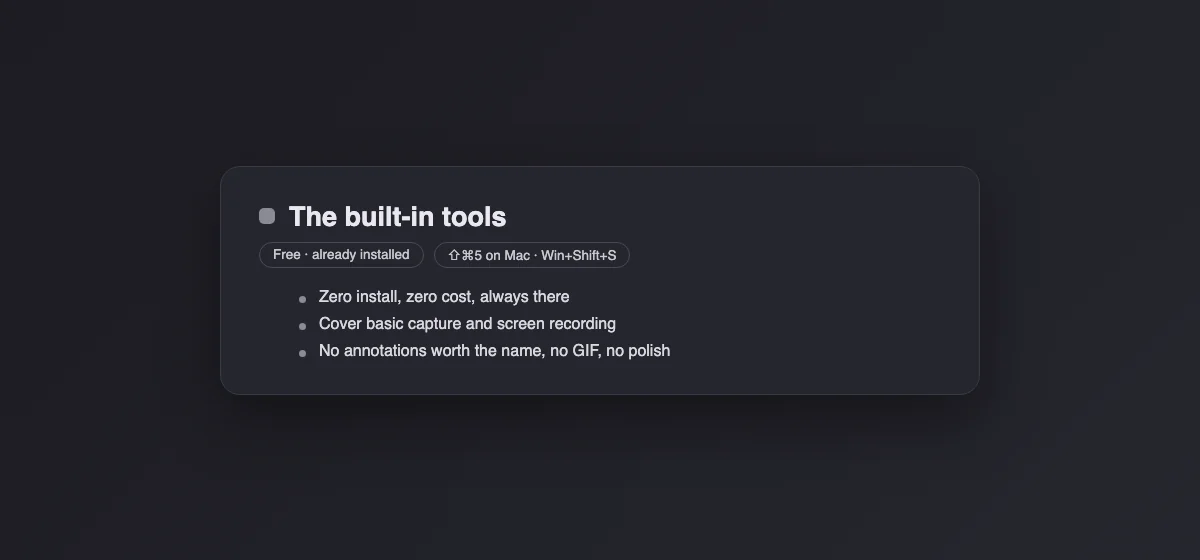
The zero-cost baseline moved a lot since Snagit's heyday. Win + Shift + S on Windows captures regions and windows with a markup editor attached; Shift + Command + 5 on the Mac captures and records. For occasional capture-arrow-send work, the built-ins now cover it, and every so often a Snagit renewal notice is the only reason someone discovers that. Their ceiling stays low: basic markup, no GIF, no templates, no library.
2. Capturo, our app, for the Mac half of the question
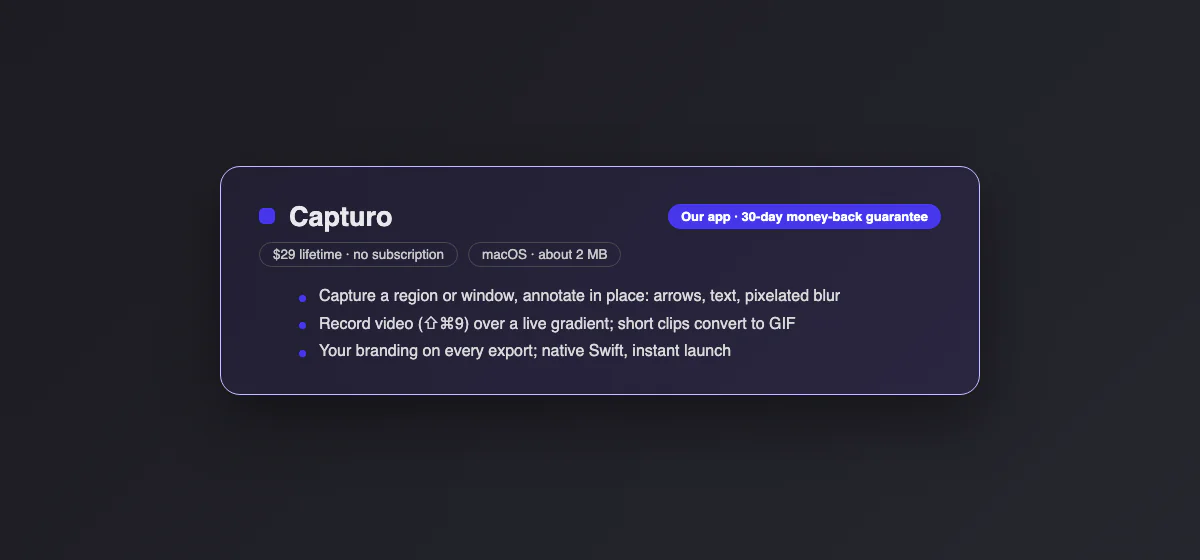
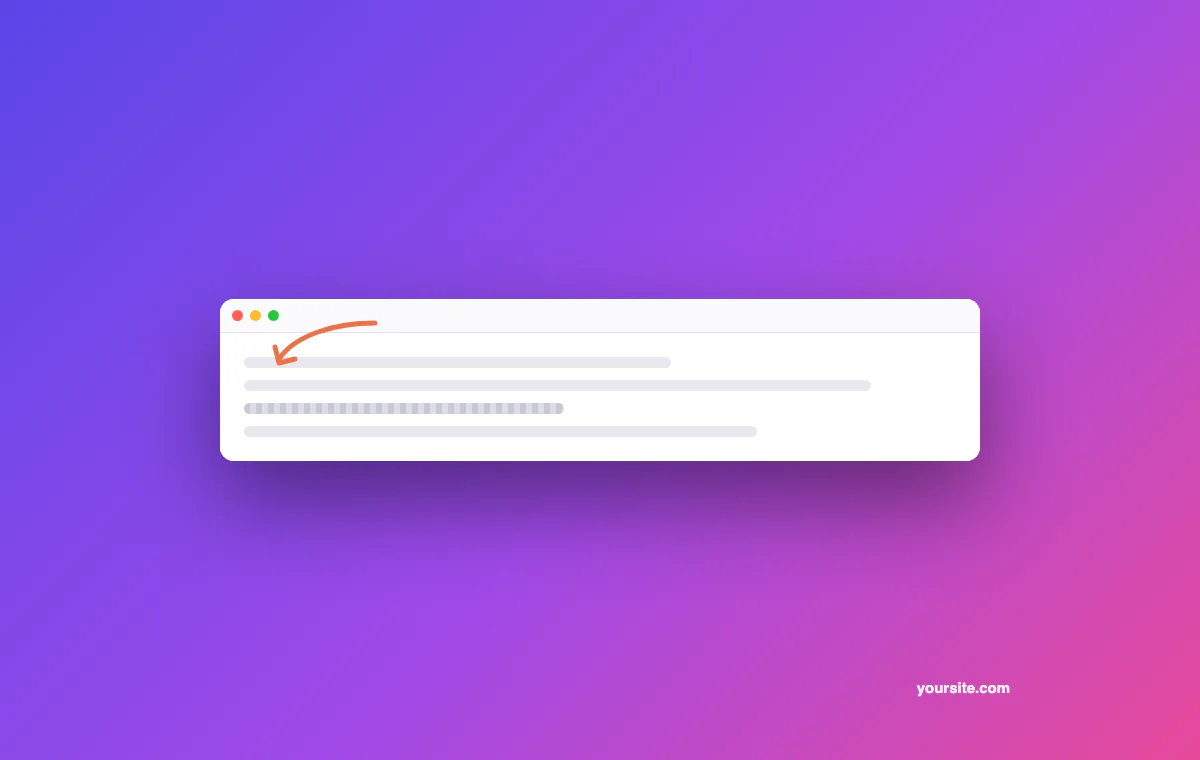
Disclosure first: this is our app. Capturo covers the part most Snagit users actually use, natively on the Mac: capture a region or window, annotate in place (arrows, text, pixelated blur for the private bits), record video composed live over a gradient background with an optional webcam bubble, convert short clips (up to 45 s) to GIF, and stamp your branding on every export. $29 once, a 30-day money-back guarantee, no renewals, about 2 MB on disk. What it does not have: Snagit's template documents, step tool, OCR, scrolling capture, capture timer and image library. Download Capturo.
3. ShareX, the Windows powerhouse
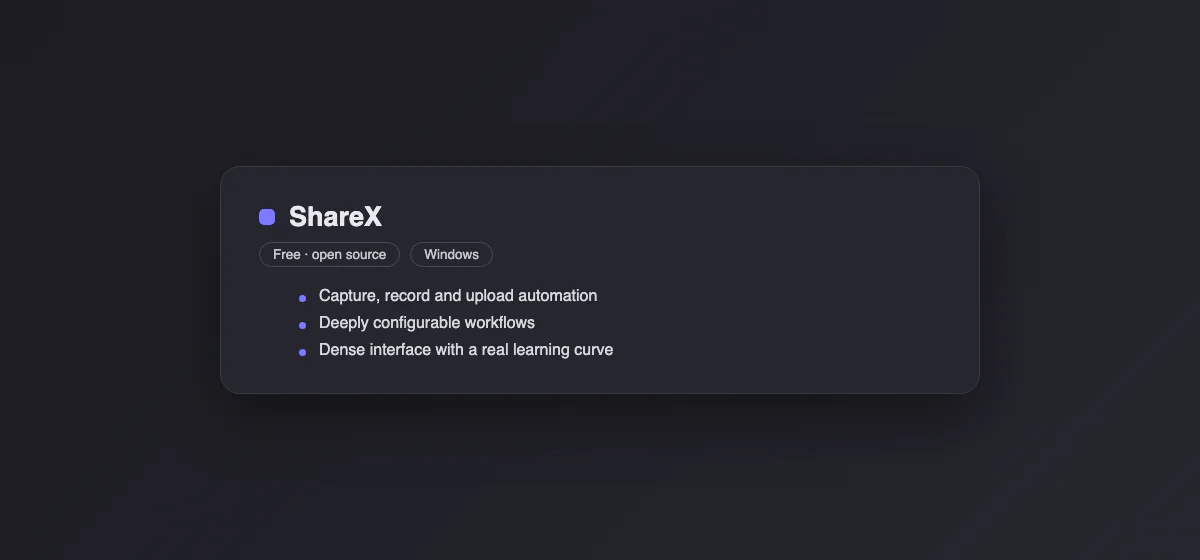
ShareX is free, open source, Windows-only, and quietly more capable than Snagit at the automation game: capture, record, OCR, then pipe the result through custom workflows (rename, upload, copy the URL) without touching a mouse. The price is the interface: dense settings that reward the patient. For a Windows power user leaving Snagit over price, ShareX is the obvious first stop; for someone leaving over complexity, it is more of what drove them out.
4. Flameshot, the same tool everywhere
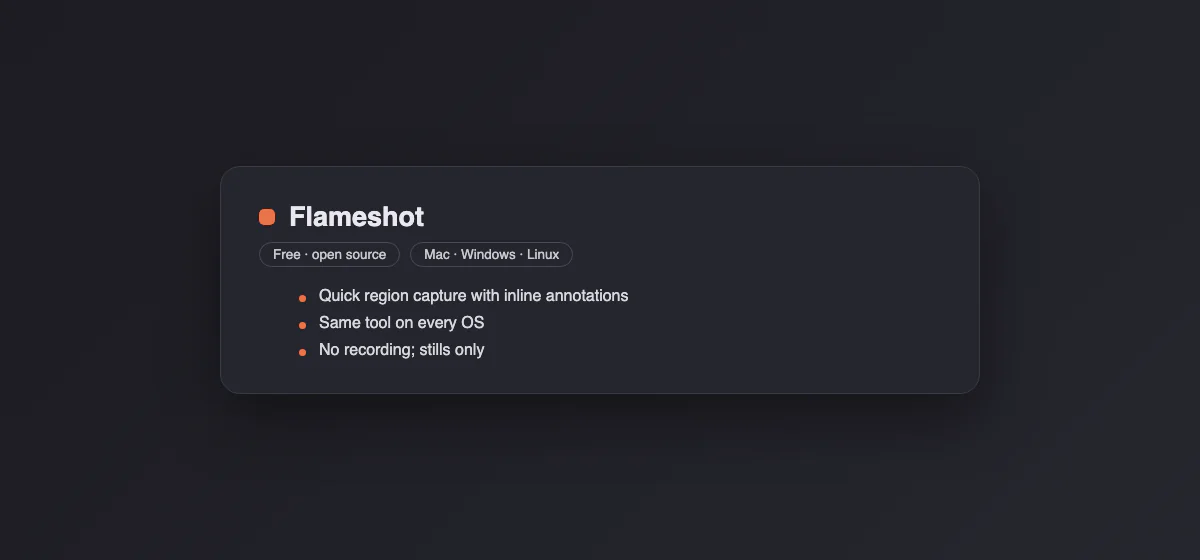
Flameshot is free, open source, and identical on Mac, Windows and Linux: launch, drag a region, annotate inline with arrows and boxes, done. People who live across machines love that the muscle memory transfers. Limits are clear: stills only (no recording), and the aesthetics are functional rather than polished. As the capture-arrow-send tool on a mixed fleet, hard to argue with at the price.
The comparison, in one table
| Price | Recording | GIF | Platforms | |
|---|---|---|---|---|
| Built-in tools | Free | Basic | No | Mac and Windows |
| Capturo | $29 once, 30-day refund | Video, composed, webcam bubble | From clips up to 45 s | Mac |
| ShareX | Free | Yes | Yes | Windows |
| Flameshot | Free | No | No | Mac, Windows, Linux |
| Snagit | $39/year subscription | Yes | Yes | Mac and Windows |
Who should keep Snagit
Three profiles really use what they pay for. People producing documentation at volume, where Snagit's templates, step tools and image library earn their keep daily. Teams standardized on it, where retraining costs more than renewing. And anyone whose workflow leans on scrolling capture of desktop apps, which Snagit still does better than nearly everyone. If you saw your job in that list, keep paying; the alternatives above are for the other ninety percent.
Before the subscription lapses: rescue your library
Snagit's editor keeps a library of past captures in its own project format, and the annotations in those files are editable only inside Snagit. Before the subscription lapses, sweep the library and export anything you may need again as flat PNGs (or PDFs for the multi-step documents). It is dull work best done in one sitting with the library sorted by date, and it converts a lock-in into an archive. The alternatives all read PNGs; none of them read Snagit project files.
Rebuilding the two habits people actually miss
Ex-Snagit users report missing two things, both replaceable. The one-key capture profile (same region, same settings, one press) maps to ShareX workflows on Windows and, on the Mac, to the Shift + Command + 5 panel remembering your last selection. The step numbers for documentation (1, 2, 3 stamped on a screenshot) have no perfect twin; numbered text in any annotator covers it functionally, at the cost of a click or two more per step. Everything else in the daily loop (capture, arrow, blur, send) exists in every option above.
What about OCR, the quiet Snagit favorite
Grabbing text out of a screenshot turns out to be the feature people did not know they would miss. The good news is that it left the app layer: on the Mac, Live Text lets you select and copy text straight out of images in Preview and Quick Look, and ShareX carries OCR on Windows, where PowerToys Text Extractor also does it system-wide for free. Losing Snagit no longer means losing text-from-image, whichever alternative you land on.
The subscription math
Snagit Individual at $39 a year is $117 over three years, and if you stop paying, you lose access to the current version. Older perpetual licenses keep working but no longer get new major versions. The comparison point: everything above costs zero to 29 dollars total, and the built-ins update themselves with the OS forever. The question that decides it is the one this whole page keeps asking: how much of Snagit do you actually use, and would the ten percent you touch daily notice the change.
Which one, by situation
| You are… | Take |
|---|---|
| Capturing occasionally, any OS | The built-in tools, free |
| On a Mac, daily captures, done with licenses | Capturo |
| A Windows power user who loves automation | ShareX |
| Working across Mac, Windows and Linux | Flameshot |
| Producing documentation at volume | Snagit |
Whichever you pick, presentable stills (padding, background, frame) are a browser tab away with our free screenshot beautifier. On Windows, our Snagit vs Snipping Tool comparison shows what the free tool already covers, and Snipping Tool alternatives lists the next step up. On a Mac, see the best screenshot app for Mac.