The short answer
- Stills only, pay nothing: Shottr. Scrolling capture and OCR included, pay what you want.
- You record clips and want to pay once: Capturo, our app, $29.
- Pretty screenshots for social posts: Xnapper. Mac and Windows with one tool: ScreenSnap Pro or Snagit.
- You use CleanShot's cloud links every day: stay, the alternatives are worse at that.
Why people leave CleanShot X
The license is $35 once, and it includes the app, one year of updates and 1 GB of CleanShot Cloud. After that year the app keeps working, but new versions need the optional $19 a year renewal. That is the first complaint: buyers call it a one-time purchase and then find the updates are a subscription in practice. It matters more since CleanShot X 5.0 shipped on September 1, 2026 with Studio Mode, a video editor and smart zooms, the kind of release you do not want to miss.
The second is the cloud. Free Cloud Basic gives 1 GB. Unlimited storage, custom domains and team features need Cloud Pro at $10 per user per month, billed yearly. If you share a lot of links, that is a second bill on top of the license.
The third is Setapp. CleanShot is included in the Setapp catalog ($14.99 a month for the Mac plan), which is good value if you use several Setapp apps and an odd way to pay for one. Reviewers also report that a CleanShot Cloud account created through Setapp does not move cleanly to a standalone license if you cancel.
The fourth is size. After 5.0, CleanShot is a screenshot app, a recorder and a video editor. If you take stills and annotate them, most of that is weight you carry for nothing.
The comparison table
| App | Price | Free version | Platforms | Best for | The catch |
|---|---|---|---|---|---|
| CleanShot X (reference) | $35 once + $19/yr updates; Cloud Pro $10/user/mo | No | Mac | Doing everything in one app | Updates and cloud are recurring |
| Shottr | Pay what you want, $0 allowed | Yes, with reminders | Mac | Fast stills, OCR, scrolling | No video, no hosted links |
| Capturo (ours) | $29 once | Screenshots with a watermark | Mac (macOS 14+) | Clips that look finished | No scrolling capture, OCR or cloud |
| Xnapper | $29.99 once (1 Mac, 1 yr of updates) | Yes, with a watermark | Mac | Screenshots for social posts | No video |
| ScreenSnap Pro | $34 once | No | Mac, Windows | Closest one-time feature match | Newer, smaller track record |
| Snagit | $39/user/yr | No (14-day refund) | Mac, Windows | Docs and training material | Subscription only |
| Zight | $9.95/user/mo yearly | 1 GB, 5 min video, 720p | Mac, Windows, iOS, Chrome | Cloud links, cheaper than Cloud Pro | Cloud-first, small free plan |
| Screen Studio | $9/mo yearly, $29 monthly | No | Mac | Polished demo videos | Video only, subscription |
| Flameshot | Free, open source | Yes | Linux, Windows, Mac | Quick annotated captures | Mac build is second-class |
| macOS built-in | Free | Yes | Mac | Occasional captures | No scrolling, no GIF, basic markup |
Prices in US dollars from each vendor's site, checked October 9, 2026.
1. Shottr: the free one most people switch to
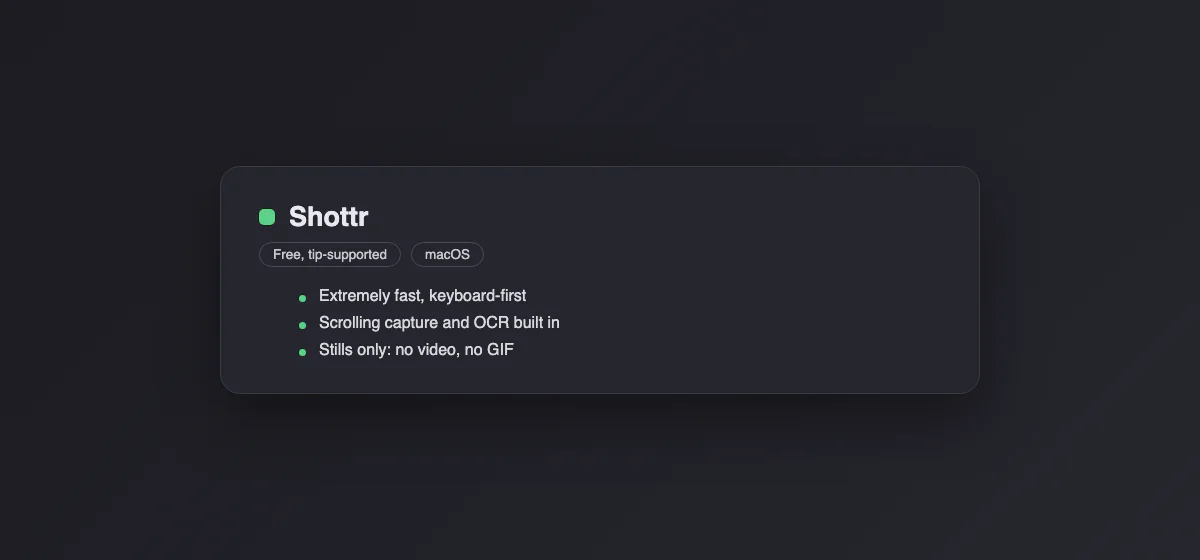
Shottr is a 2.4 MB download that covers most of what people use CleanShot for on stills: area and window capture, scrolling capture (up to 200,000 pixels tall), OCR to the clipboard, QR reading, annotation, blur, and a pixel ruler and color picker that designers like. It can upload to your own S3-compatible storage. The price is "pay what you want", and entering $0 is allowed; the free version shows a reminder now and then.
The catch: no screen recording and no hosted links of its own. Pick it if you never record. For a stills-only CleanShot user it is the obvious first try.
2. Capturo: ours, for recordings you pay for once
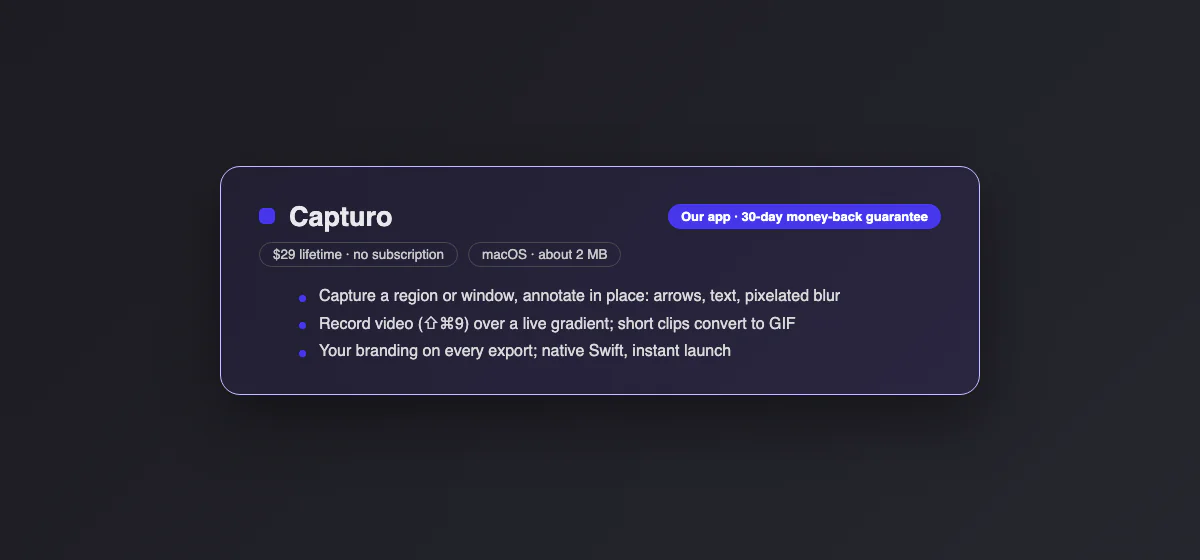
We make Capturo, so read this section knowing that. It is second because it covers the half Shottr skips: recording.
⇧⌘9 records the screen or an area to MP4, composed live over a gradient background with rounded corners, so there is no editing pass afterwards. It has an optional webcam bubble, microphone (macOS 15+) and auto-zoom on clicks (beta). Short clips convert to GIF (12 fps, 960 px wide, up to 45 seconds). Screenshots (⇧⌘2 for an area, ⇧⌘7 for a window) open an editor with arrows, text, pixelated blur and your logo or name in the margin. It is about 2 MB, native, for macOS 14 and later. The license is $29 once, with a 30-day money-back guarantee and no yearly update fee.
What you lose against CleanShot: scrolling capture, OCR, hosted share links and a timeline video editor. Without a license, screenshots work but exports carry a small watermark and screen recording stays locked. There is no trial. Pick it if you used CleanShot mostly for short recordings and quick annotated shots. See Capturo.
3. Xnapper: screenshots that are ready to post
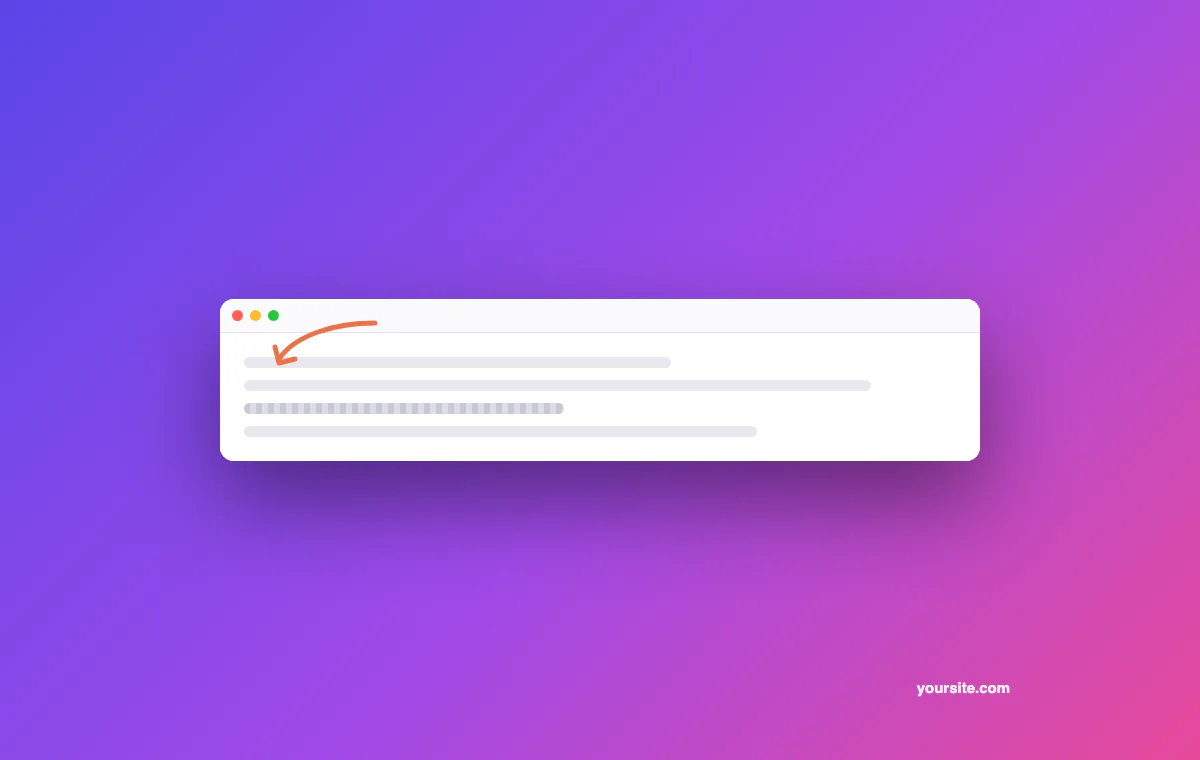
Xnapper does one thing: it takes a capture and makes it presentable, with an automatic background, padding and balance. It also auto-redacts emails, card numbers, IP addresses and API keys it finds in the image, and has on-device OCR. The free version adds a watermark. Basic is $29.99 once for one Mac with a year of updates; Personal is $54.99 for two Macs. Renewing updates costs 60% of the original price.
The catch: no video, and the update model is the same as CleanShot's. Pick it if your screenshots end up on X, LinkedIn or a landing page.
4. ScreenSnap Pro: the closest one-time match
ScreenSnap Pro lists the longest CleanShot-like feature set on this page for a single payment: full-page website capture, OCR from images, PDFs and video, screen and GIF recording with webcam and audio, and optional cloud links. It is $34 once and runs on Mac and Windows.
The catch: it is newer, and much of what you read about it online comes from its own blog. The vendor does not state desktop scrolling capture. Pick it if you want the CleanShot feature list without the update renewal, or need the same app on a PC.
5. Snagit: the corporate standard
Snagit from TechSmith has been around longer than CleanShot and goes deeper on documentation work: templates, step-by-step callouts, scrolling capture, text grab, video and GIF. It is $39 per user per year, subscription only, with a 14-day money-back guarantee instead of a trial. It runs on Mac and Windows, and Snagit 2026 requires a macOS newer than 14 (Sonoma).
The catch: leaving CleanShot over a $19 renewal to pay $39 a year makes little sense unless you need Windows or the templates. Pick it if you write manuals or training docs, or IT buys it for you. See our Snagit alternatives if you are on the fence.
6. Zight: cloud links for less than Cloud Pro
Zight (formerly CloudApp) is the pick if the cloud is the part of CleanShot you actually use. Every screenshot, GIF and video uploads and gives you a link. The free plan includes 1 GB, 5-minute videos at 720p and 15-second GIFs. Create is $9.95 per user per month billed yearly, with transcripts and view counts. It runs on Mac, Windows, iOS and Chrome.
The catch: it is a subscription too, so the saving over Cloud Pro is small. The annotation tools are simpler than CleanShot's. Pick it if your team lives on links and some members are on Windows.
7. Screen Studio: if you only used CleanShot to record
Screen Studio is video only: automatic zoom on clicks, smoothed cursor, webcam, captions and exports up to 4K. It costs $29 a month or $9 a month billed yearly, and it no longer sells lifetime licenses to new buyers. Mac only.
The catch: it takes no screenshots, and CleanShot 5.0's Studio Mode now does much of the same. Pick it if you make product demos and do not care about stills. Our Screen Studio alternatives page compares the cheaper recorders with the same effect.
8. Flameshot: free and open source, with Mac caveats
Flameshot is a free, open-source capture tool with annotation, blur and upload, popular on Linux. Version 14 shipped in June 2026 and a version 15 beta is out.
The catch: on the Mac it is a port, not a native app, and the v14 release dropped the Intel Mac build. No scrolling capture, OCR or recording. Pick it if you also use Linux and want the same tool everywhere.
9. The tools already in macOS
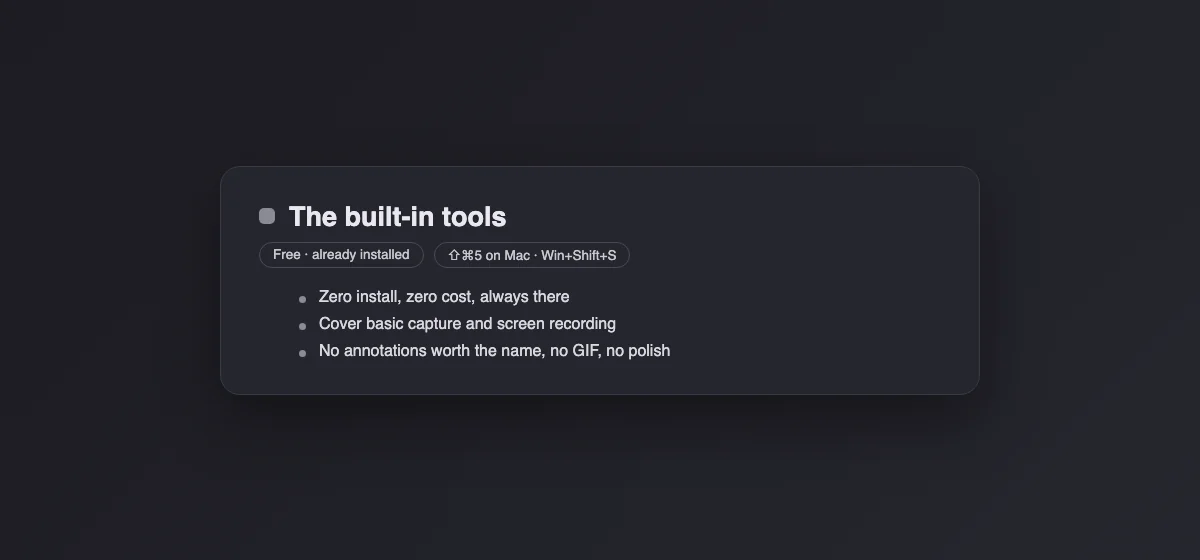
Shift + Command + 5 captures the screen, a window or an area, records video with a timer, and lets you choose where files go. The floating thumbnail opens Markup for crops, arrows and text. Live Text in Preview reads text out of any image. Our Mac screenshot shortcuts cheat sheet lists every combination.
The catch: no scrolling capture, no GIF, no backgrounds, and Markup is basic. For full web pages, your browser can do it: see full-page screenshots in Chrome.
Skip these
Two names still show up in older lists. Skitch was last updated in the Mac App Store in July 2020. Lightshot for Mac was last updated in July 2019, and its uploads go to public prnt.sc links that are easy to guess. Neither is a sensible place to move your workflow in 2026.
Switching without losing your habits
- Shortcuts: CleanShot offers to take over ⇧⌘3, ⇧⌘4 and ⇧⌘5 during setup. If you accepted, quit it or reset its shortcuts before installing the new app, or the two will fight over the keys.
- Cloud links: links you shared from CleanShot Cloud live on CleanShot's servers. Download anything you still need from your cloud history before you stop paying for Pro.
- Clean desktop: CleanShot can hide desktop icons. On any app, a window capture (⇧⌘4, then Space) leaves the desktop out entirely.
- Save folder: point the new app at the same folder so your files stay in one place. Our guide on where screenshots go on a Mac shows how to change it.
How we chose
We listed every app that shows up when people ask what to use instead of CleanShot X, dropped the ones that are abandoned (Skitch, Lightshot) or whose prices we could not confirm on the vendor's site (Monosnap), and kept nine. Prices, free-plan limits and version dates come from each vendor's own site, checked on October 9, 2026. The order follows how much of CleanShot each app replaces for the person most likely to switch: someone who mostly takes stills, then someone who mostly records. Capturo is our product; we placed it second, behind a free app that does more for stills.
If you are not leaving CleanShot but choosing a first screenshot app, the broader best screenshot app for Mac roundup is a better start.