Disclosure: we make Capturo, a Mac app for screenshots and short recordings. It appears as a third column so you can see where a smaller tool is enough. The Camtasia vs Snagit verdict does not depend on it.
The 20-second verdict
Camtasia5/9 rows
From $179.88/yr for the full editor
Choose it if you make tutorials or courses that need real video editing.
Snagit3/9 rows
$39/yr
Choose it if you make step-by-step guides, docs and quick annotated screenshots.
Capturo6/9 rows
$19.99 once
Choose it if you are on a Mac and want clean screenshots and short clips without a subscription.
| Camtasia | Snagit | Capturo | |
|---|---|---|---|
| Built for | Editing tutorial videos | Screenshots and documentation | Fast captures and short clips |
| Price | Starter $39/yr (watermarked editor), Essentials $179.88/yr, Create $249/yr | $39 per user per year | ✓ $19.99 once |
| Cost after 3 years | $539.64 (Essentials) | $117 | ✓ $19.99 |
| Screenshot tools | ✓ Snagit is included | ✓ Scrolling, OCR, steps, templates | Area and window, arrows, text, blur |
| Video editing | ✓ Multitrack timeline, captions, zooms | Trim only | None: recordings come out finished |
| Screen recording | ✓ Up to 4K, separate tracks | ✓ Screen, mic, system audio, webcam | ✓ System audio, webcam bubble, live gradient |
| Platforms | ✓ Mac and Windows | ✓ Mac and Windows | Mac only |
| Oldest macOS supported | ✓ macOS 14 | macOS 15 (2026 version) | ✓ macOS 14 |
| Account required | Yes, TechSmith sign-in | Yes, TechSmith sign-in | ✓ No, a license key |
| App size | Large; 8 GB RAM minimum | Medium | ✓ About 2 MB, native |
The "Built for" row is context, not a contest. TechSmith prices from its US store as checked in October 2026; Snagit's 2026 version requires macOS 15 or later according to its system requirements page.
The short answer
If the thing you deliver is a video that needs cutting, captions, zooms and callouts, you need Camtasia. If what you deliver is pictures with arrows, step-by-step guides or a quick clip of a bug, Snagit does it with less effort and costs a fraction of the price. Many teams own both, and TechSmith knows it: every Camtasia plan now includes Snagit.
Price: one is a subscription inside the other
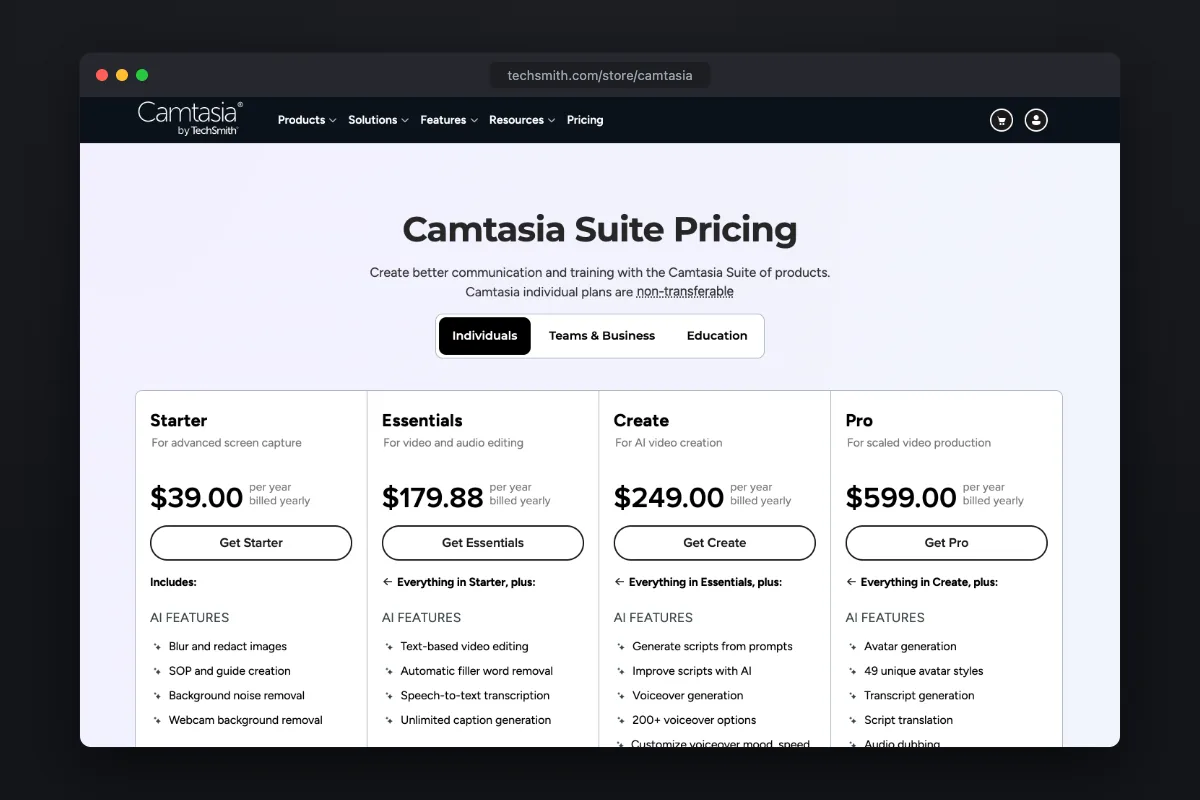
Both are annual subscriptions now; TechSmith stopped selling new perpetual licenses. Snagit is $39 a year. Camtasia starts at $39 too, but that Starter plan watermarks videos exported from the editor, so the real entry point for editing is Essentials at $179.88 a year, then Create at $249 with AI voiceover and scripts. Every Camtasia plan bundles Snagit, which means a Camtasia subscriber should never buy Snagit separately.
Where Camtasia wins
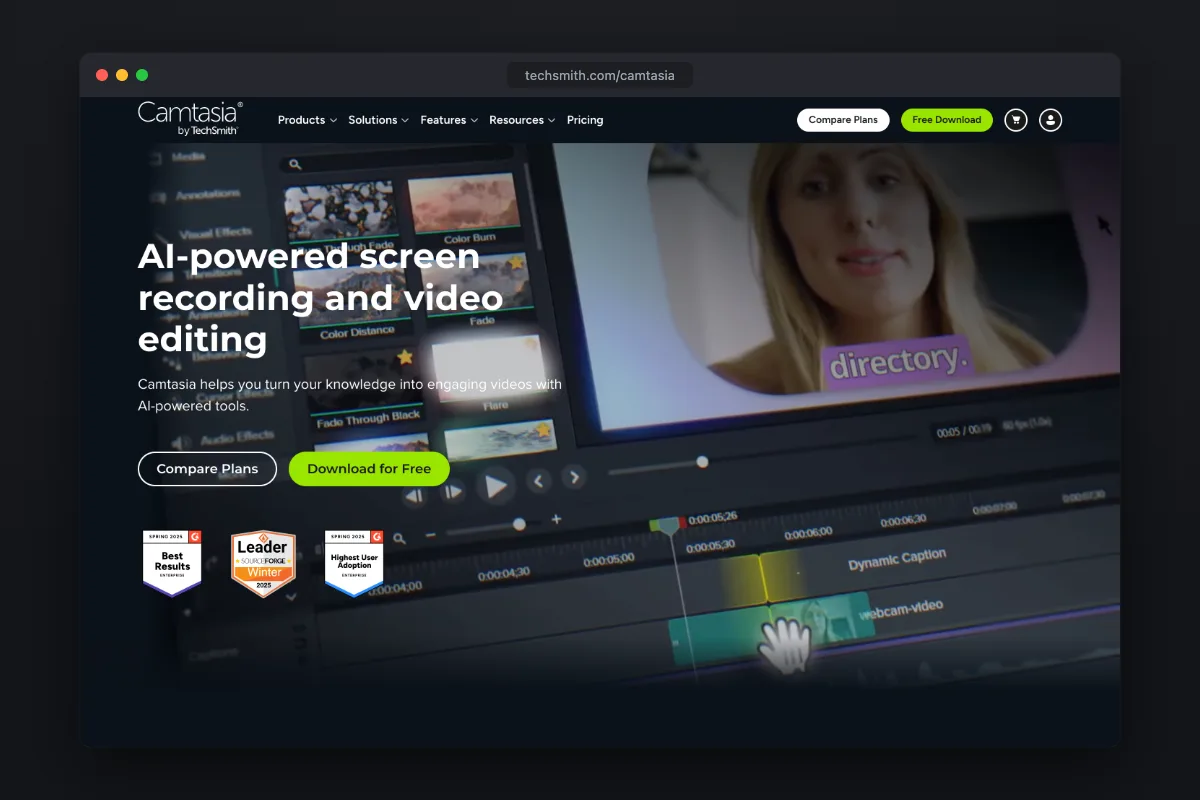
Editing. Camtasia records the screen, webcam, microphone and system audio on separate tracks, then opens them in a full multitrack timeline. You can edit the cursor path after recording, add zoom-and-pan, callouts, quizzes for e-learning (SCORM), automatic captions and, on higher tiers, AI voiceover and translation. For a ten-minute training video that has to look professional, nothing in Snagit comes close. The price of that power is a heavy app with an 8 GB RAM minimum and a learning curve. Our Camtasia alternatives page covers cheaper editors.
Where Snagit wins
Screenshots and speed. Scrolling capture of long pages, Grab Text (OCR), Smart Redact for private data, numbered step markers, templates that combine several captures into one guide, and the ability to edit text inside a screenshot. It also records quick videos with webcam and makes GIFs, but its video editing stops at trimming. For documentation, support replies and bug reports, Snagit is faster than opening Camtasia for anything. See Snagit vs the Snipping Tool if you are on Windows and wondering whether you need it at all.
Which one, by situation
| You make… | Use |
|---|---|
| Online courses or training videos | Camtasia Essentials or Create |
| Product walkthroughs with voiceover and edits | Camtasia |
| How-to guides with numbered screenshots | Snagit |
| Bug reports and support replies | Snagit |
| Both kinds of content | Camtasia, since Snagit comes with it |
| Short clips and polished screenshots on a Mac, no subscription | Capturo |
On a Mac and do not need a timeline?
A lot of people looking at this comparison need less than either app sells. If your recordings are short demos for a changelog, a pull request or a social post, and your screenshots are "capture, add an arrow, blur the email, send", a lighter tool covers it without a yearly bill.
Capturo for Mac: the part of Snagit and Camtasia most people use
- Area (⇧⌘2) and window (⇧⌘7) captures that open in an editor with arrows, text and pixelated blur
- Record the screen or an area (⇧⌘9) with system audio, composed live over a gradient background, then turn short clips into a GIF (up to 45 s)
- Optional optional webcam bubble, microphone (macOS 15+) and auto-zoom on clicks (beta)
- $19.99 once for 2 Macs, 30-day money-back guarantee, no account
What you give up: no scrolling capture, no OCR, no step templates (Snagit's strengths) and no timeline editor (Camtasia's). Without a license, screenshots work but exports carry a small watermark and screen recording stays locked. There is no trial. Compare more options in the best screen recorders for Mac and Snagit alternatives.