Disclosure: we make Capturo, a paid Mac recorder, and include it as a third column. OBS is free and very good; we say so below.
The 20-second verdict
Loom4/11 rows
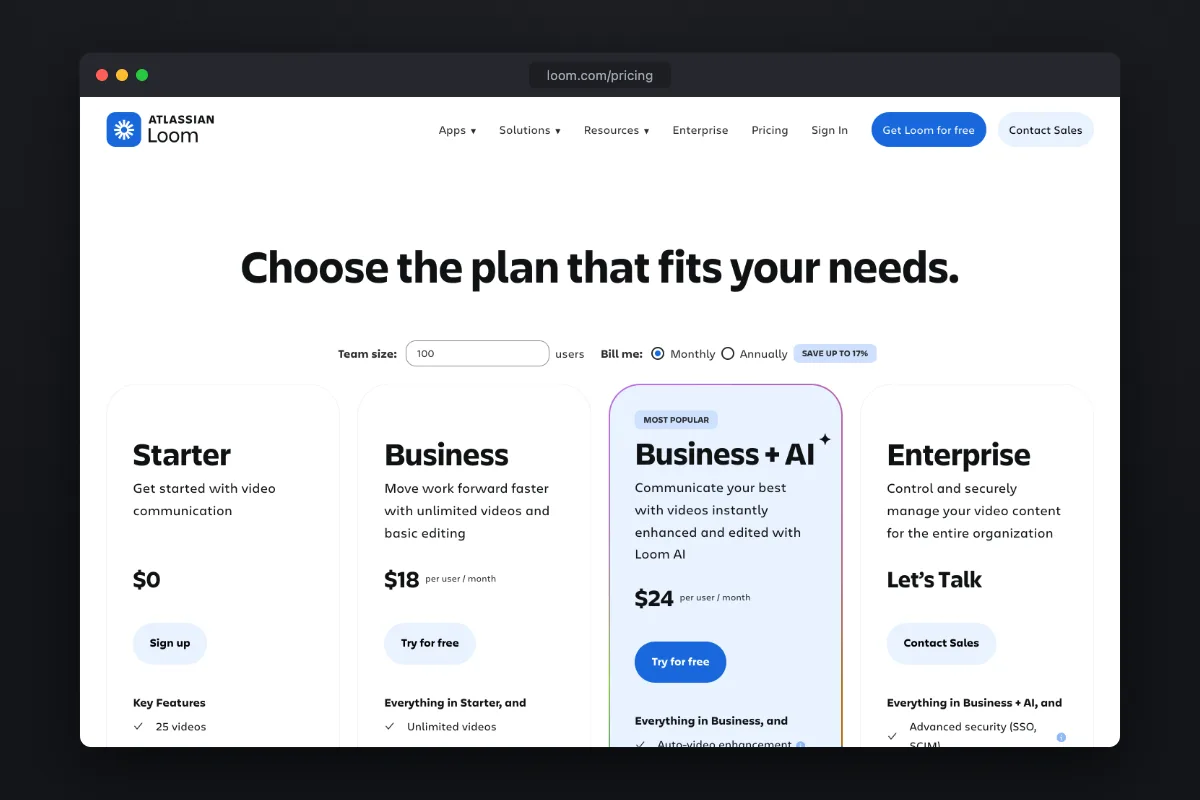
Free (5 min, 720p); $18/user/mo
Choose it if you send short videos to teammates and want a link with comments.
OBS Studio7/11 rows
Free, open source
Choose it if you stream, record long sessions, or want full control at no cost.
Capturo5/11 rows
$19.99 once
Choose it if you want good-looking Mac recordings with one hotkey and no setup.
| Loom | OBS Studio | Capturo | |
|---|---|---|---|
| Price | Free plan; $18/user/mo Business | ✓ Free | $19.99 once |
| Length and quality limits | Free: 5 min, 720p | ✓ None | No plan tiers |
| Instant share link | ✓ Link, comments, viewer insights | No: you upload the file | No: you send the file |
| Live streaming | No | ✓ Twitch, YouTube and more | No |
| Scenes and multiple sources | Screen plus camera | ✓ Unlimited scenes and sources | Screen plus camera bubble |
| Ease of use | ✓ Record in two clicks | Steep learning curve | ✓ One hotkey (⇧⌘9) |
| Looks polished with no editing | Plain recording | Plain recording | ✓ Live gradient, rounded corners |
| Platforms | ✓ Mac, Windows, iOS, Android, Chrome | ✓ Mac, Windows, Linux | Mac only |
| Files stay on your computer | No: cloud first | ✓ Yes | ✓ Yes |
| Account required | Yes | ✓ No | ✓ No |
| Annotated screenshots | ✓ Unlimited screenshots | No | ✓ Arrows, text, blur |
Loom from loom.com/pricing and Atlassian's October 2026 announcement of the new Mac app; OBS from obsproject.com, checked October 21, 2026.
The short answer
Pick Loom when the point is communication: you record, stop, and the link is ready for a teammate who can comment at the exact second. Pick OBS when the point is the recording itself: long sessions, gameplay, webinars, multiple cameras, live streams, all free and without watermarks or time limits. If you try OBS for a quick bug report you will spend more time in settings than recording; if you try Loom for a 40-minute lecture on the free plan you will hit the 5-minute wall.
Where Loom wins
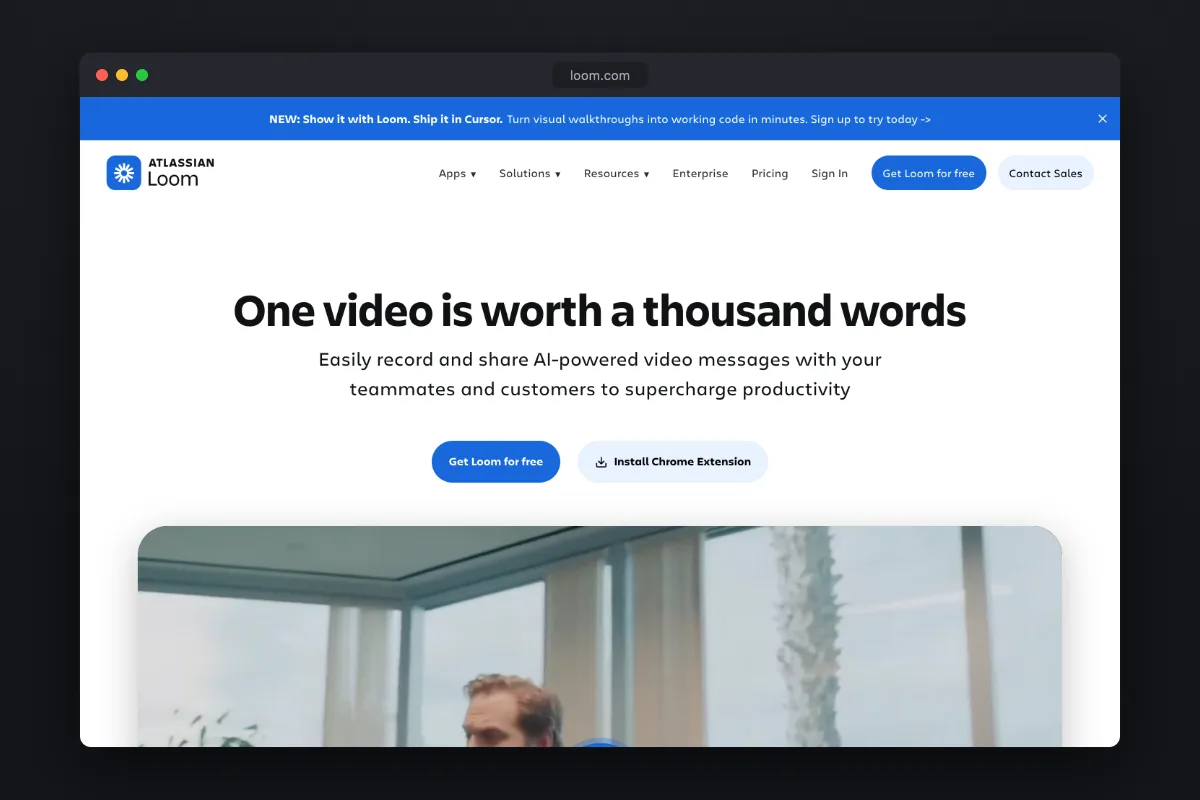
The link and the people on the other end. Viewers watch in the browser, comment and react at timestamps, and you see who watched. Transcripts are automatic. On paid plans you get 4K recording on the desktop apps, no length cap, and on Business + AI ($24/user/mo) summaries, chapters and filler-word removal. Atlassian rebuilt the Mac app in October 2026, now requiring macOS 15, with a teleprompter and a mode that turns a recording into steps for Jira or AI agents. The cost is that your videos live in Loom's cloud and the free plan is tight: 25 videos, 5 minutes each, 720p.
Where OBS wins
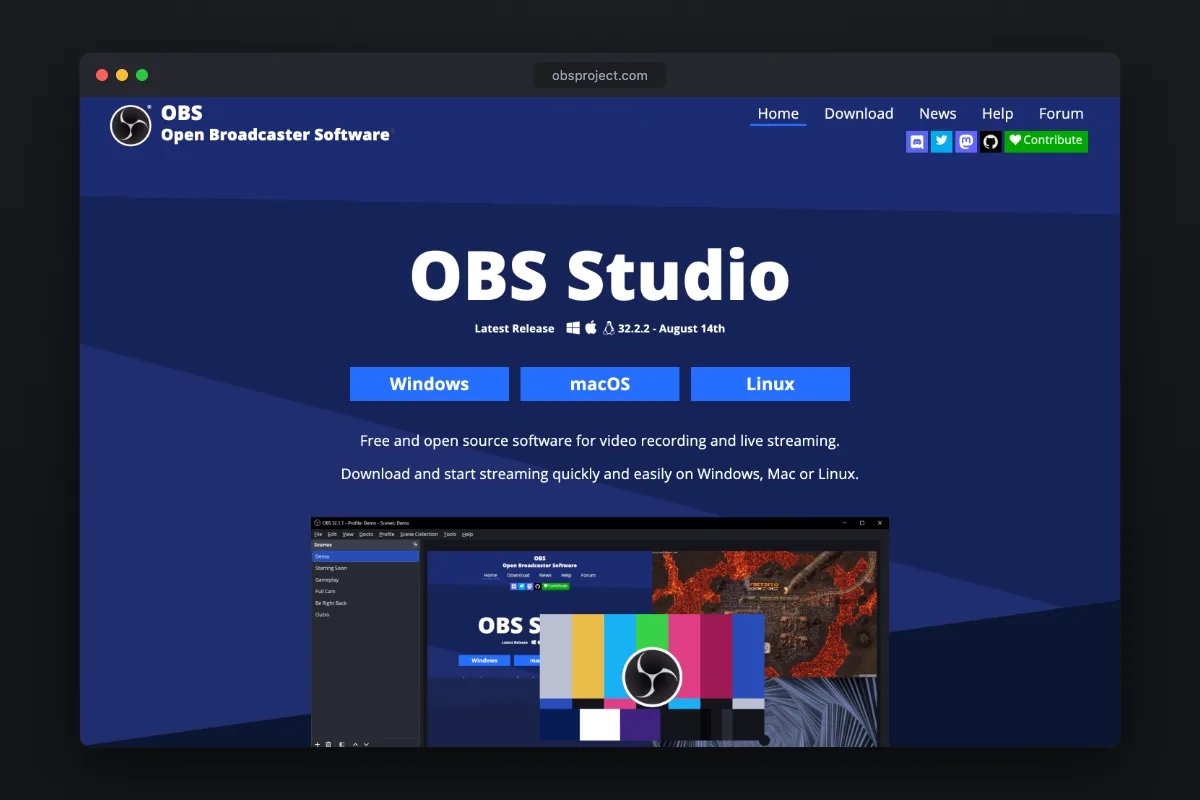
Everything else, for free. OBS Studio is open source, has no watermark, no time limit and no account. On a Mac it captures system audio natively since macOS 13, and it runs on Windows and Linux too. Scenes let you switch between screen, camera, slides and overlays mid-recording, and the same app streams live. Version 33 is in release candidate as of October 2026. The downside is real: the first setup (sources, audio, output format) takes time, there is no editor, and nothing about the output looks styled unless you build it yourself. Our best screen recorder for Mac guide shows a working OBS setup next to the alternatives.
For short, good-looking clips on a Mac
There is a middle case neither covers well: a 30-second demo for a changelog or a social post that should look polished, recorded without learning OBS and without uploading to Loom.
Capturo for Mac: one hotkey, a finished-looking clip
- Record the screen or an area (⇧⌘9) with system audio, composed live over a gradient background, then turn short clips into a GIF (up to 45 s)
- Optional optional webcam bubble, microphone (macOS 15+) and auto-zoom on clicks (beta)
- Annotated screenshots with your branding on every export
- $19.99 once for 2 Macs, files stay local, no account
OBS remains the better free choice for long recordings and streaming, and Loom for team messaging. Without a license, screenshots work but exports carry a small watermark and screen recording stays locked. There is no trial. See also Loom alternatives and recording with QuickTime, the other free option on a Mac.