The short answer
- Closest drop-in replacement: Cap. Open source, share links, comments, and a $58 lifetime desktop license if you only record locally.
- No subscription, Mac only, and you send files instead of links: Capturo, our app, $29 once.
- Sales videos with tracking and CRM: Vidyard. Polished product demos: Tella or Screen Studio.
- Free and unlimited, no hosting: OBS Studio.
The comparison table
| Tool | Paid price | Free tier | Platforms | Best for | The catch |
|---|---|---|---|---|---|
| Loom (reference) | $18/user/mo, $24 with AI | 25 videos, 5 min each, 720p | Mac, Windows, iOS, Android, Chrome | Team async video | Free plan works like a trial |
| Cap | $58 lifetime desktop, or Pro $8.16/user/mo yearly | Personal use, local recordings unlimited, 5 min links | Mac, Windows, Linux | Loom-style links without lock-in | Young product, rough edges |
| Capturo (ours) | $29 once | No trial (30-day refund) | Mac (macOS 14+) | Local clips that look finished | No share links, no view stats |
| Tella | $13/user/mo yearly | None, 7-day trial | Mac, Windows, Chrome | Edited demos and tutorials | No free plan at all |
| Zight | $9.95/user/mo yearly | 5 min videos, 720p, 1 GB | Mac, Windows, iOS, Chrome | Screenshots, GIFs and video in one | Real analytics cost more |
| Vidyard | $59/seat/mo yearly | 5 videos/mo, up to 30 min | Chrome, desktop app | Sales outreach | About three times Loom per seat |
| ScreenPal | $4/mo yearly | 15 min, 10 hosted videos, watermark | Windows, Mac, Chromebook, mobile | Teachers and students | Watermark until the $10 plan |
| Screen Studio | $9/mo yearly, $29 monthly | None listed | Mac only | Product demos with auto zoom | Subscription only now |
| Descript | $16/mo yearly | 60 min of media/mo, 720p, watermark | Mac, Windows, web | Editing by transcript | Heavy for a two-minute message |
| OBS Studio | Free | Everything, no limits | Mac, Windows, Linux | Long recordings, streaming | No links, steep setup |
Prices are what each vendor lists in US dollars as of October 9, 2026, per user per month unless the row says otherwise.
What you are replacing
Loom's recorder is not the hard part. The hard part is the loop around it: record, a link lands on your clipboard, the viewer watches in a browser, comments on a timestamp, and you see who watched. On the free Starter plan that loop is capped at 25 videos per person and 5 minutes per recording, which is why most people hit the wall in the first month. Business is $18 per user per month, and the AI features (titles, summaries, filler-word removal) are a separate $24 tier.
So the first question is whether you need the link. If your videos go to clients, candidates or people outside your chat tool, you need hosting, and options 1 and 3 to 8 have it. If they go into Slack, a ticket or a pull request, a file does the same job and the hosting is what you are paying for without using.
1. Cap: the open-source Loom
Cap copies the Loom workflow most directly. Instant mode uploads while you record and gives you a link the second you stop; Studio mode records locally in up to 4K with zooms, captions and blur. Viewers can comment and react on timestamps. It runs on Mac, Windows and Linux, and because the code is open source you can host it yourself or point it at your own S3 storage.
Pricing is unusual in a good way. The free plan is for personal use, with no limit on local recordings and share links capped at 5 minutes. A desktop license is $58 for life (or $29 a year) if all you want is the recorder. Cap Pro, which adds unlimited cloud links, viewer analytics, AI summaries and a Loom importer, is $12 per user per month, or $8.16 billed yearly.
The catch: it is a young product and it feels like one in places. The free cloud cap (5 minutes) is the same wall as Loom's. Pick it if you want Loom's loop at a lower price and like the idea of owning the storage.
2. Capturo: ours, for local clips without a subscription
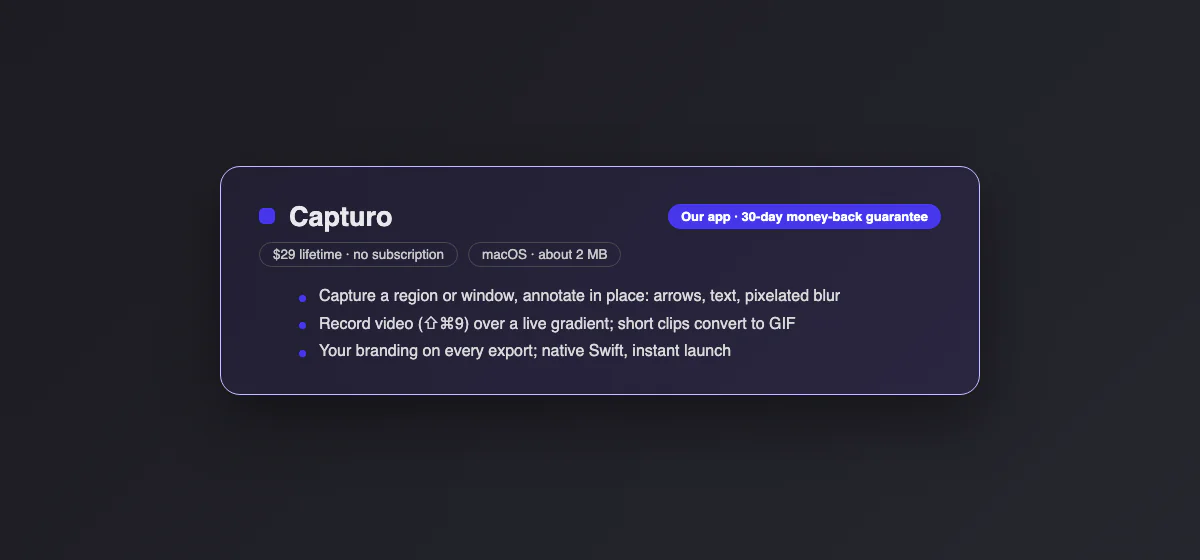
Capturo is the app this site sells, so weigh this section with that in mind. It sits second because it solves a different half of the Loom problem from Cap.
What it does not do, first: Capturo has no share links, no hosting, no view counts and no comments. ⇧⌘9 records the screen or an area to an MP4 file on your Mac, and sending it is up to you. If the link is why you use Loom, skip to Tella or Zight.
What it does: the recording is composed live over a gradient background with rounded corners, so the file looks finished the moment you stop. It has an optional webcam bubble, microphone (macOS 15+) and auto-zoom on clicks (beta), toggled in Settings. Short clips convert to GIF (12 fps, 960 px wide, up to 45 seconds), which autoplays in Slack, GitHub or Jira without anyone pressing play. Stills get arrows, text, pixelated blur and your logo. It is a native app of about 2 MB for macOS 14 and later.
The catch: Mac only. Without a license, screenshots work but exports carry a small watermark and screen recording stays locked. There is no trial. The license is $29 once, with a 30-day money-back guarantee. Pick it if your videos are short, internal, and end up as attachments anyway. Download Capturo.
3. Tella: for demos you edit before sending
Tella records screen and camera, then lets you cut by editing the transcript, rearrange clips and apply layouts and backgrounds. Share pages include comments, reactions, calls to action, password protection and viewer analytics. Transcripts cover 106 languages. It has native recorders for Mac and Windows plus a Chrome extension.
The catch: there is no free plan. You get a 7-day trial, then Pro at $13 per user per month billed yearly or Premium at $19. Tella advertises the yearly price as half off, so monthly billing costs about double. Pick it if your videos are product walkthroughs, course lessons or launch demos, where a few minutes of editing pays off.
4. Zight: screenshots, GIFs and video in one app
Zight was called CloudApp until its rename, and it still covers more than video: annotated screenshots, short GIFs and screen recordings all upload to the same library with a link. Its "video requests" let you send someone a link that records their screen back to you, which is handy for bug reports from customers.
The free plan allows 5-minute videos at 720p, 15-second GIFs, 1 GB of storage and access to your last 50 captures. Create is $9.95 per user per month billed yearly and adds AI transcripts and basic view counts; Collaborate ($12) adds watch-percentage analytics and viewer emails. Runs on Mac, Windows, iOS and Chrome.
The catch: the free plan has no transcripts or analytics. Pick it if your team trades screenshots as often as videos and wants one tool for both.
5. Vidyard: for sales teams
Vidyard is built around outbound sales: branded share pages, calls to action, detailed viewer analytics and, on the Teams plan, sync with HubSpot and Salesforce so a prospect's view shows up in the CRM. The free plan gives you 5 recorded videos a month of up to 30 minutes each.
The catch: price. Starter is $59 per seat per month billed yearly ($89 monthly), roughly three times Loom, and CRM sync needs the Teams plan, which is quote-only. Pick it if videos are part of a sales pipeline and you can tie views to revenue. For anything internal it is overkill.
6. ScreenPal: cheapest paid plan, built for education
ScreenPal, formerly Screencast-O-Matic, runs on almost everything: Windows, Mac, Chromebook, iOS and Android. It includes an editor, captions, quizzes and polls inside videos, which is why schools use it.
The free plan records up to 15 minutes, hosts 10 videos at 720p, and stamps a watermark. Deluxe is $4 a month billed yearly, the cheapest paid plan on this list; Max ($10) removes the watermark and adds AI transcripts.
The catch: viewer analytics are thin, and the interface is aimed at classrooms more than product teams. Pick it if you teach, or if you need Chromebook support.
7. Screen Studio: Mac demos with automatic zoom
Screen Studio made the "zoom in where you click, smooth the cursor" look popular. It now also hosts share links for videos up to 30 minutes, with comments on specific seconds and view counts.
The catch: it is Mac only and subscription only for new buyers: $29 a month, or $9 a month billed yearly. The lifetime license is gone. It is also slower than Loom for a quick reply, because it expects you to export a polished video. Pick it if you make product demos for a landing page. Our Screen Studio alternatives page covers the cheaper tools with the same look.
8. Descript: when the video needs real editing
Descript is an editor first: you record (screen, camera or a remote guest), then edit the video by editing its transcript, remove filler words and add captions. Share pages are unlimited on every plan.
The free plan includes 60 minutes of media a month and exports at 720p with a watermark. Hobbyist is $16 a month billed yearly ($24 monthly), Creator $24. Desktop apps for Mac and Windows plus a web app.
The catch: for a two-minute bug report it is far heavier than Loom. Pick it if your async videos are closer to podcasts or YouTube content than to chat messages.
9. OBS Studio: free, unlimited, no hosting
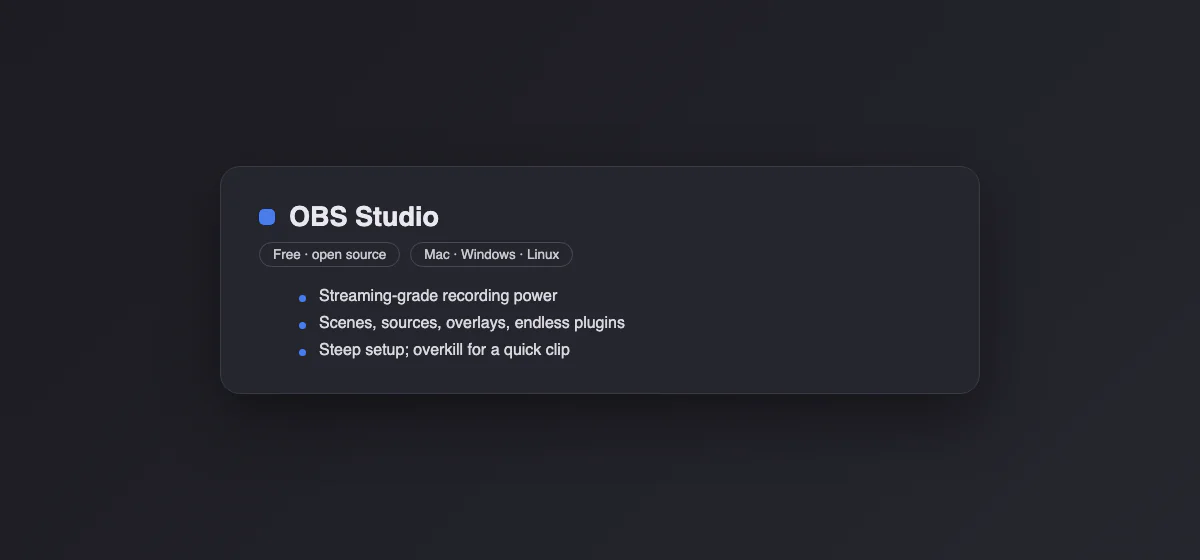
OBS Studio is free and open source on Windows, macOS 13 or later, and Linux. No watermark, no time limit, scenes, multiple cameras, audio mixing and live streaming.
The catch: it records a file and stops there. No link, no comments, no analytics, and the first session goes to learning scenes and sources. Pick it if you record long tutorials or stream, and you already have somewhere to upload. For a short clip on a Mac, the built-in recorder (Shift + Command + 5) is faster; our guide to QuickTime screen recording covers it, including system audio.
Before you cancel Loom
Your existing videos live in Loom's cloud, and the free plan's 25-video cap applies to them once you downgrade. While the workspace is still paid, download what you want to keep (each video exports as MP4). Cap Pro can import a Loom library directly, which saves the step if you are moving there.
If you go the file route, the link part is easy to rebuild: drop the MP4 into Google Drive, Dropbox or iCloud and share that link, or paste the file straight into Slack or Teams, where it plays inline.
How we chose
We started from the tools that rank for "Loom alternative" and the ones people recommend in threads about leaving Loom, then cut anything discontinued or Windows-only. Prices and free-plan limits come from each vendor's own pricing page, checked on October 9, 2026; where a vendor shows only yearly prices we say so. We did not test team features like SSO. Capturo is our product, and we put it second, not first, because Cap replaces more of what Loom does.
For recorders judged on output quality rather than sharing, see the best screen recorder for Mac; for heavier editing suites, Camtasia alternatives. To turn any clip into an autoplaying GIF in the browser, use the free MP4 to GIF converter.