The short answer
Nobody gets notified, ever. WhatsApp has no screenshot notification anywhere in the app. But on two surfaces, the screenshot itself is blocked: view once photos and videos come out as a black image, and profile photos cannot be captured on recent versions either. Blocking instead of telling is WhatsApp's whole approach.
What happens on each screen
| You screenshot… | Notification? | Does it work? |
|---|---|---|
| A normal chat | No | Yes, captures fine |
| A status (story) | No | Yes, captures fine |
| A view once photo or video | No | No: black screen |
| A profile photo | No | Blocked on current versions |
| A disappearing-messages chat | No | Yes, captures fine |
| A video call | No | Yes, captures fine |
The pattern is consistent: WhatsApp treats screenshots as a privacy problem to prevent, not an event to report. That is the opposite of Snapchat, which lets the capture happen and tells the other person.
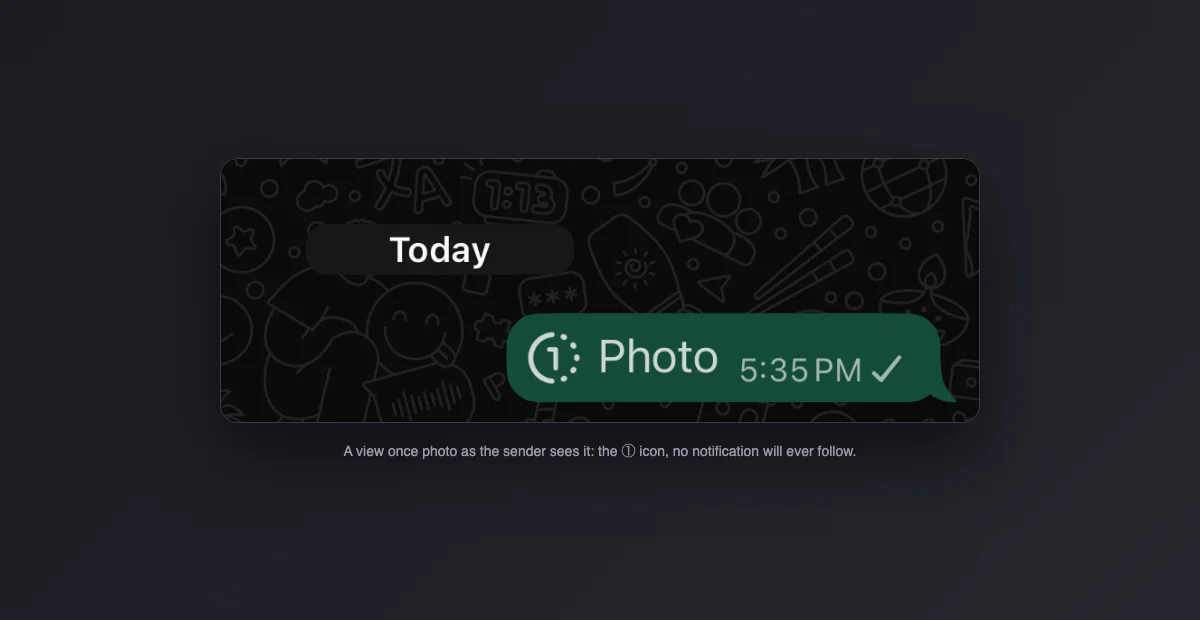
View once: the case everyone asks about
When someone sends a photo or video with the view once option (the little "1" icon), WhatsApp flags that content as secure at the operating system level, the same mechanism banking apps use. If the recipient tries a screenshot, the system takes the picture but the protected area comes out black. Screen recording produces the same black rectangle. The sender is not told about the attempt; it simply fails.
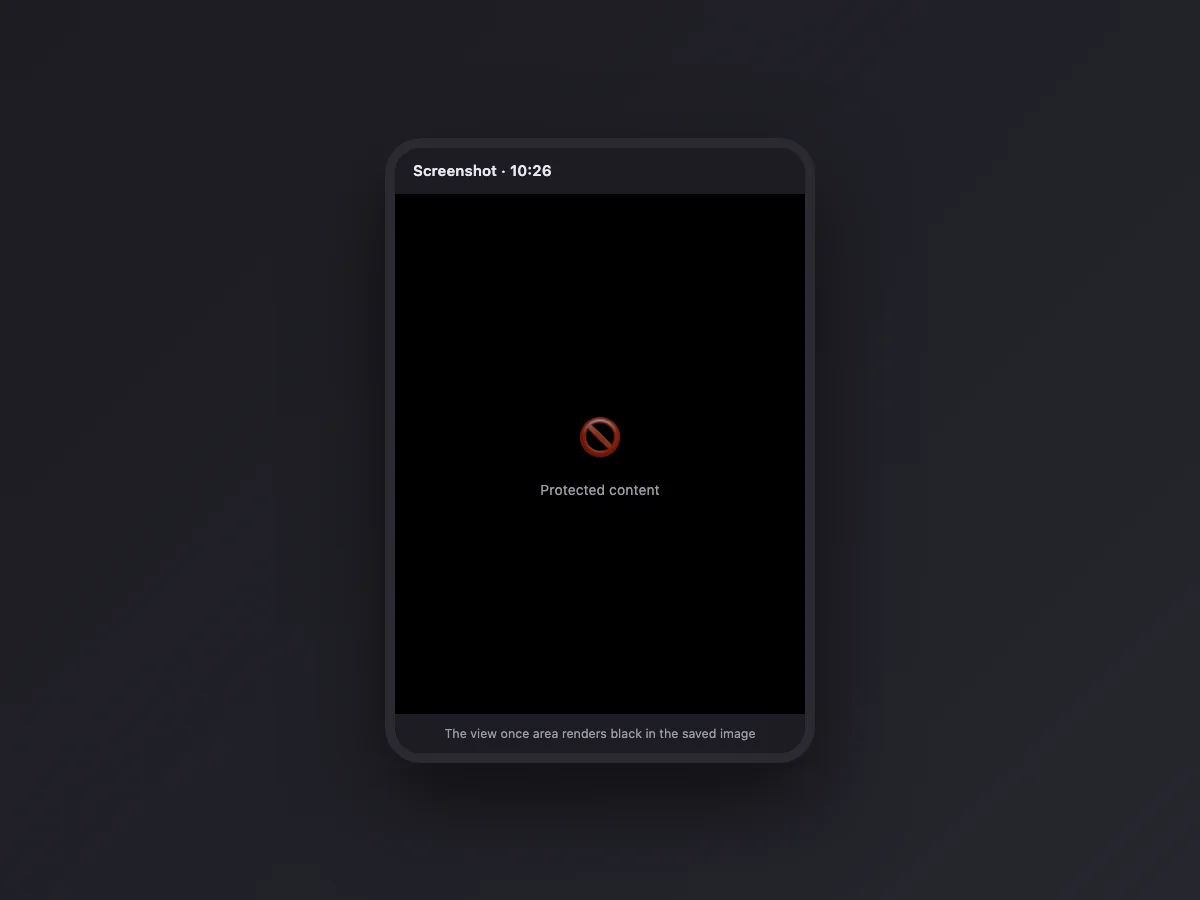
Worth knowing before you rely on it: view once protects against the software screenshot, not against a second phone pointed at the screen. Treat it as friction, not as a guarantee.
Profile photos stopped being capturable
Since 2024, WhatsApp gradually rolled out the same block to profile photos: opening someone's photo full screen and pressing the screenshot shortcut yields a black capture on up-to-date versions of the app. This closed the classic loophole where anyone could save your photo from a group without you knowing. On older app versions the block may not be active yet, which is why some people still manage it and others do not.
The myths, sorted
Three beliefs keep circulating in exactly the same words, so each one is checked below against what the app actually does:
"WhatsApp tells you when someone screenshots your status." False. Statuses give the poster a viewer list, nothing more. No screenshot information is collected or shown.
"With disappearing messages on, screenshots get reported." False. Disappearing messages controls how long a message lives, not what the other person does with it while it exists. WhatsApp's own documentation states screenshots are not detected there.
"Business or WhatsApp Web is different." No. Web and desktop have no screenshot detection either; on a computer any capture tool works on a normal chat, and view once content conveniently cannot be opened on desktop at all.
Can the other person find out some other way?
Not through WhatsApp. There is no read-out, no privacy report, no hidden log a user can consult. The realistic ways people find out are human ones: the screenshot gets forwarded back to them, or it shows up somewhere public. If your concern is a specific conversation leaking, the technical layer was never going to protect it; the person on the other side either respects the context or does not.
Screen recording follows the same rules
Everything above applies identically to screen recordings. Recording a normal chat or a status works and stays silent. Recording while a view once photo is open produces a video with a black rectangle where the photo should be, and recent versions extend the same treatment to profile photos. There is no separate "recording detection": the operating system flag that blanks screenshots blanks recordings with it, frame by frame.
One recording-specific wrinkle: on some Android phones the built-in recorder captures internal audio, so recording a voice note or a call preserves the sound even where the video is fine. If the concern is a voice message leaking, the block does not help there; the audio can always be re-recorded while it plays.
iPhone vs Android: where the behavior differs
The notification answer is identical on both platforms: nobody is told, ever. The blocking answer varies slightly with the platform and the app version, and it explains most of the contradictory anecdotes online.
| Situation | iPhone | Android |
|---|---|---|
| View once media | Black capture | Black capture |
| Profile photos | Blocked on current versions | Blocked on current versions; older builds may still allow it |
| Normal chats and statuses | Captures fine | Captures fine |
| The mechanism | Secure-content flag; capture comes out black | FLAG_SECURE; on some phones the shortcut refuses with a "can't take screenshot" toast instead of saving a black image |
That last row is the detail that generates arguments: on Android the system may show a small "Can't take screenshot due to security policy" message rather than saving a black file. Different symptom, same block, still no notification to anyone.
WhatsApp Web and the desktop app
On a computer the story gets simpler, not stricter. Neither WhatsApp Web nor the Windows and Mac desktop apps have any screenshot detection, and every capture tool works on a normal conversation, from the operating system shortcuts to full-window capture utilities. The sensitive surfaces are handled by exclusion instead: view once photos and videos refuse to open on desktop at all. You get the message bubble, and tapping it tells you to open it on your phone. So there is nothing to block, because the content never renders on the big screen in the first place.
Calls: video and voice
Screenshotting a video call captures whatever is on screen, silently: no banner, no entry in the call log, nothing on the other side. Same for recording the call screen. The one caveat is legal rather than technical: recording a conversation without consent is regulated in many countries, and WhatsApp not detecting it does not make it lawful. If you need a record of a call, ask, and let the other person hear the yes.
Groups, communities and channels
Group chats behave exactly like private ones: any member can screenshot the conversation, no admin sees anything, no member sees anything. Community announcement threads and channels are the same, with one practical difference worth knowing: channels can have thousands of viewers, so treating anything posted there as public is just realism. The viewer of a channel gets no special protection either; a channel owner cannot see who captured a post any more than a friend can.
What WhatsApp does show the other person
The anxiety behind the screenshot question is usually "what can they see about me at all". This is the complete list, and screenshots are not on it:
| Signal | Who sees it | Can you turn it off? |
|---|---|---|
| Blue read receipts | The sender of the message | Yes, in privacy settings; also disables yours |
| "Online" and "last seen" | Anyone, or the audience you allow | Yes, per-audience |
| "Typing…" indicator | The open chat | No |
| Status viewer list | The status owner | Viewing without appearing requires read receipts off |
| Voice note "played" tick | The sender | Tied to read receipts |
| Screenshots taken | Nobody, nowhere | Nothing to turn off |
How WhatsApp compares with the other apps
Half the confusion around this question is people carrying Snapchat's rules into every other app. The actual landscape:
| App | Screenshot notifications | Screenshot blocking |
|---|---|---|
| Never | View once media, profile photos | |
| Snapchat | Yes, almost everywhere | No: it tells instead of blocking |
| Only on outdated app versions | Disappearing DM media and vanish mode | |
| Telegram | Only in secret chats | Secret chats on Android; protected groups and channels |
| Signal | No | Optional screen security setting blocks captures of the app |
Snapchat is the outlier that trained everyone to expect notifications. WhatsApp sits at the opposite end of the design space: prevent what it considers private, stay silent about the rest. iMessage and Discord are just as silent, while Facebook Messenger still notifies, but only for disappearing messages.
Need to keep a conversation? There is a legitimate way
If you are screenshotting a chat to preserve it (a purchase agreement, instructions from a landlord, proof of what was said), stop stitching together twenty captures. WhatsApp exports entire conversations: open the chat, tap the name, and choose Export chat, with or without media. You get a text file with every message timestamped, which is more complete, more readable, and more credible than a gallery of crops. Screenshots still make sense for the single message you want to show someone; the export exists for everything longer.
If you are the one worried about leaks
The practical setup for sensitive material, in order of usefulness: send photos and videos as view once, keep disappearing messages on for the chat so the history expires, and check Settings > Privacy to limit who sees your profile photo and statuses. None of this stops a determined person with a second camera, but it removes every casual path.
And if what you screenshot are your own chats for work, receipts or documentation, clean captures matter: our free screenshot beautifier pads and frames them in the browser without uploading anything.